14 - Legend 548 Assembly and User Manual
30068-02A
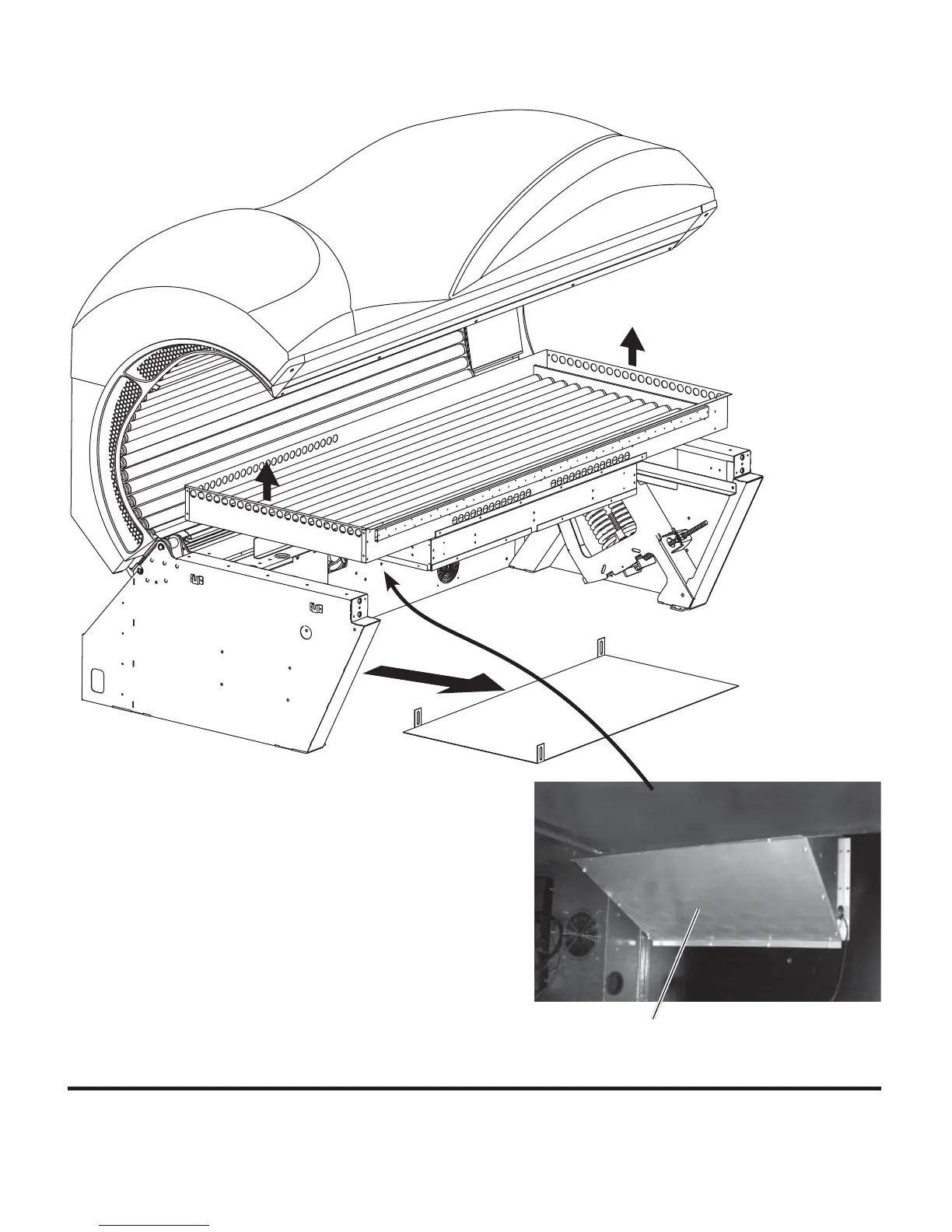
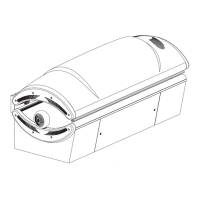
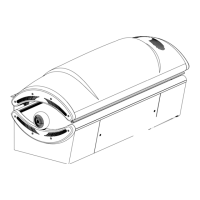
Next, remove the (6) #10 Phillips sheet
metal screws holding the fan plenum to the
back panel. This plenum routes air from the
cooling fans through the lamp box.
Carefully lift the lamp box out of the bench,
being careful not to damage the plenum.
Three #10x1/2” screws hold the fl oor pro-
tector panel. Remove it and set aside.
PLENUM
FLOOR PROTECTOR
PANEL



 To Next Page