1. Open the Amazon Alexa app and select “Skills” from the menu.
2. On the Skills screen, search for “EufyHome - RoboVac”.
3. Once you have found the “EufyHome - RoboVac” skill, tap Enable.
4. Login with your EufyHome account so that Alexa can control your RoboVac.
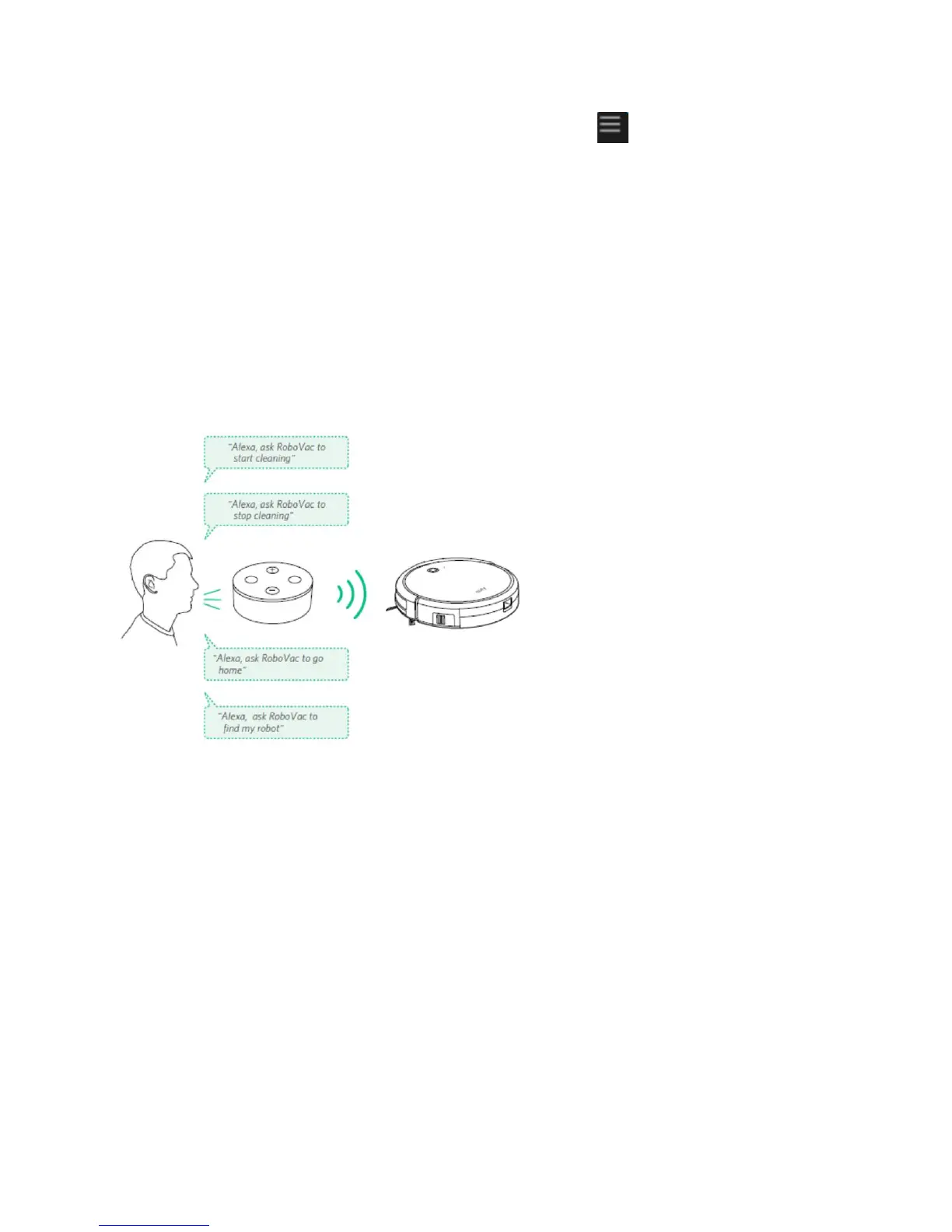
5. Say simple commands to Alexa:
● "Alexa, ask RoboVac to start cleaning"
● "Alexa, ask RoboVac to stop cleaning"
● "Alexa, ask RoboVac to go home"
● "Alexa, ask RoboVac to find my robot"
To control RoboVac with the Google Assistant:
RoboVac now works with the Google Assistant on devices like the Google Home.
1. Open the Google Home app.
2. Say “Ok Google, talk to RoboVac” to the Google Assistant-enabled device to initiate the
Google action for RoboVac.
3. Follow the instructions in the Google Home app to authorize the Google Assistant with
your EufyHome account.
4. To control RoboVac with your voice, say simple commands to Google Assistant.
[更新图片:换 Google Home 机子,换命令]
● "Ok Google, ask RoboVac to start cleaning"
● "Ok Google, ask RoboVac to stop cleaning"











 To Next Page