RoboVac’s drop sensors are dirty.
Clean the drop sensors gently with a
dry cloth.
RoboVac’s power level is too low.
Charge RoboVac for at least 5 hours.
RoboVac is hanging over a ledge
or is trapped.
Turn off RoboVac and restart in a
new location.
RoboVac’s suction fan is stuck.
● Turn off RoboVac, then
remove and empty the dust
collector.
● Make sure the suction inlet is
not blocked by any hair or
debris.
RoboVac’s infrared sensor on the
bumper is dirty.
Clean the infrared sensor gently with
a dry cloth.
Solid red indicator light
RoboVac’s left/right wheel is stuck.
Turn off RoboVac and remove any
hair or debris from the left/right
wheel.
RoboVac’s side brush is stuck.
Turn off RoboVac and remove any
hair or debris from the side brush.
RoboVac’s rolling brush is stuck.
Turn off RoboVac and remove any
hair or debris from the rolling
brush.
RoboVac’s bumper is stuck.
Tap RoboVac’s bumper several
times to dislodge any debris that
may be trapped underneath.
Wi-Fi Connection
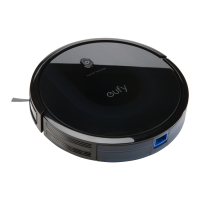
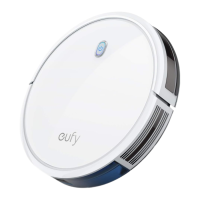
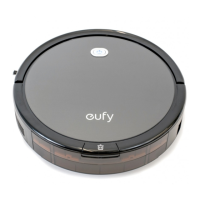
Before Wi-Fi setup, make sure RoboVac and your Wi-Fi network meet the following
requirements.











 To Next Page