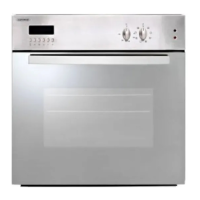
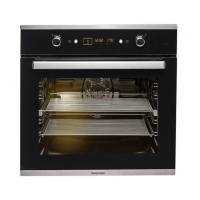
Using your oven touch control panel
6 Euromaid 750mm Oven OPERATING INSTRUCTIONS FOR FULL TOUCH CONTROL PANEL
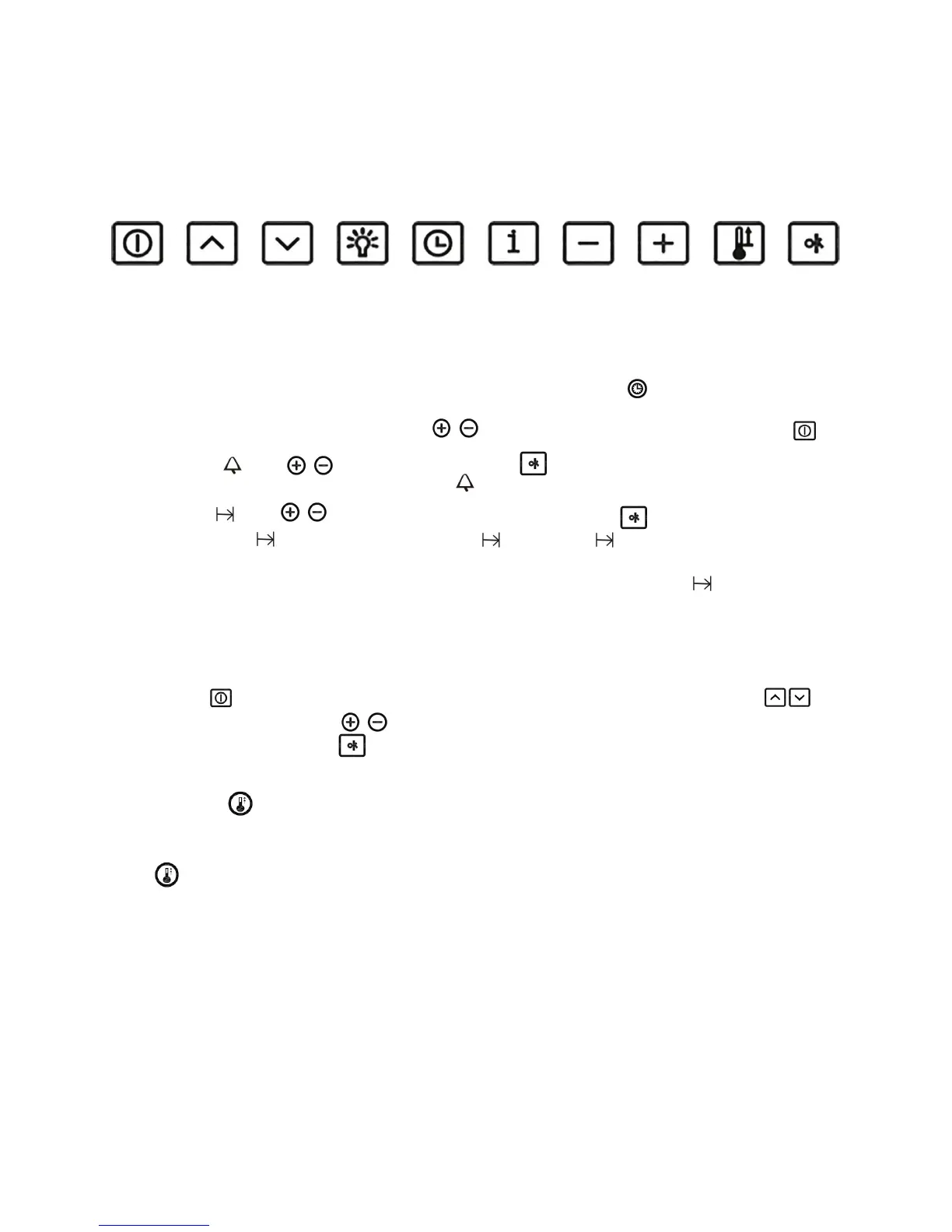
Key operation:
Time of Day / Minute Minder / Cooking time / End of time setting
1) When oven is connected to set Time of Day: press / to adjust the time before you switch the on/o key
2) Minute Minder : press / to set the cooking time, press to start cooking. The Minute Minder count down
starts to 0:00 (min:sec). The display shows the symbol and the remaining time is displayed continuously.
3) Cooking time : press / to set the cooking time 00:00 (hour: min), press to start cooking.
4) End of cooking time : after user sets the cooking time , press the key to set the end of cooking time. The
oven starts as soon as the start time reaches.
For example: The time is 12:00 now, user sets the cooking time to 0:30(hour: min), then press to set the end of time
to 12:40. The oven starts to cook at 12:10, and the display shows the remaining time of cooking.
Function setting
1) Press the key to switch on the oven. User can select the dierent cooking modes by pressing the key .
2) Temperature can be set by the key / after the cooking mode is selected. Once the cooking mode and the
temperature is xed, press the key to start cooking.
Rapid heat–up
When the setting temperature exceeds 100 degrees and the pre-heat function hasn’t been nished, user can press the
key to start the rapid heat-up mode.
Main on/
o switch
Up Down
Light Timer Info
Minus Plus Rapid
Heat up
OK


 To Next Page