MT70InstallationandInstructionsofuse
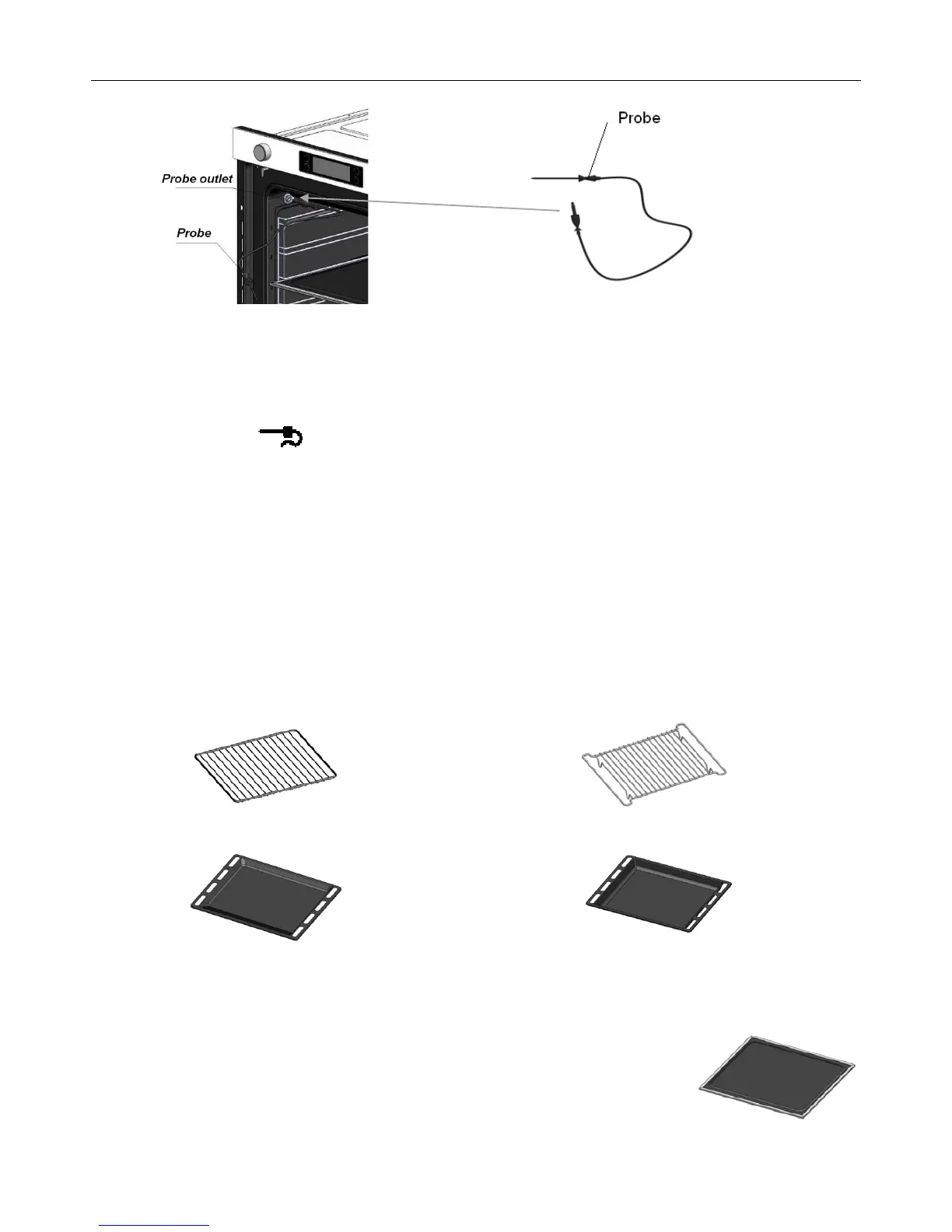
How to set the oven for roasting when using the probe
Insert the probe into the meat. Ensure the probe does not touch any bone as this this can affect the
desired result.
Plug the probe into the outlet in the oven. Make sure it is pushed all the way in. If the Probe is inserted
correctly, will show on the display.
Close the oven door.
Turn the Divider Select Knob to single mode, then turn the Time / Temp / Function Control Knob to select
the function you need.
Push the Temperature Button, the oven temperature will be shown on the display, you can use the Time /
Temp / Function Control Knob to set the desired oven temperature, in 5 increments, from 40to 250.
Push the Temperature Button again, the Probe temperature will shows on the display, you can using the
Time / Temp / Function Control Knob set the Probe temperature , in 5 increments, from 40to 95.
When the internal temperature of the meat reaches the number you have set, the probe and the oven
will turn off, the word End will be shown in the display and the oven control will beep.
Accessories
The following accessories are provided with your oven.
1. Wire shelf (2) , for all type dishes, cake tins and trays. 2.Wire grill insert, for grilling and roasting.
3.Baking tray, for cakes and biscuits. 4.Deep pan,and roasting or collecting meat juices
or fat drippings.
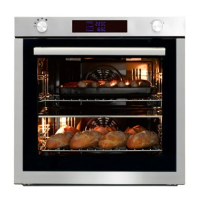
5.Divider (pictured right), for the upper, lower and twin mode. Inserted into level 3.
There is a divider-sensing switch on the rear wall of the cooking compartment.
Insert into the back completely.


 To Next Page