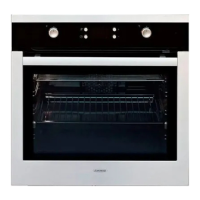
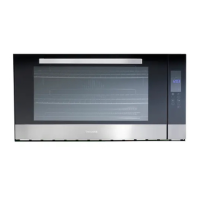
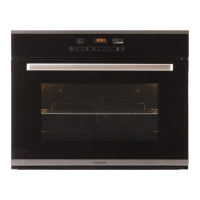
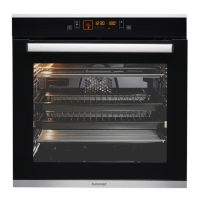
MT70InstallationandInstructionsofuse
Oven use
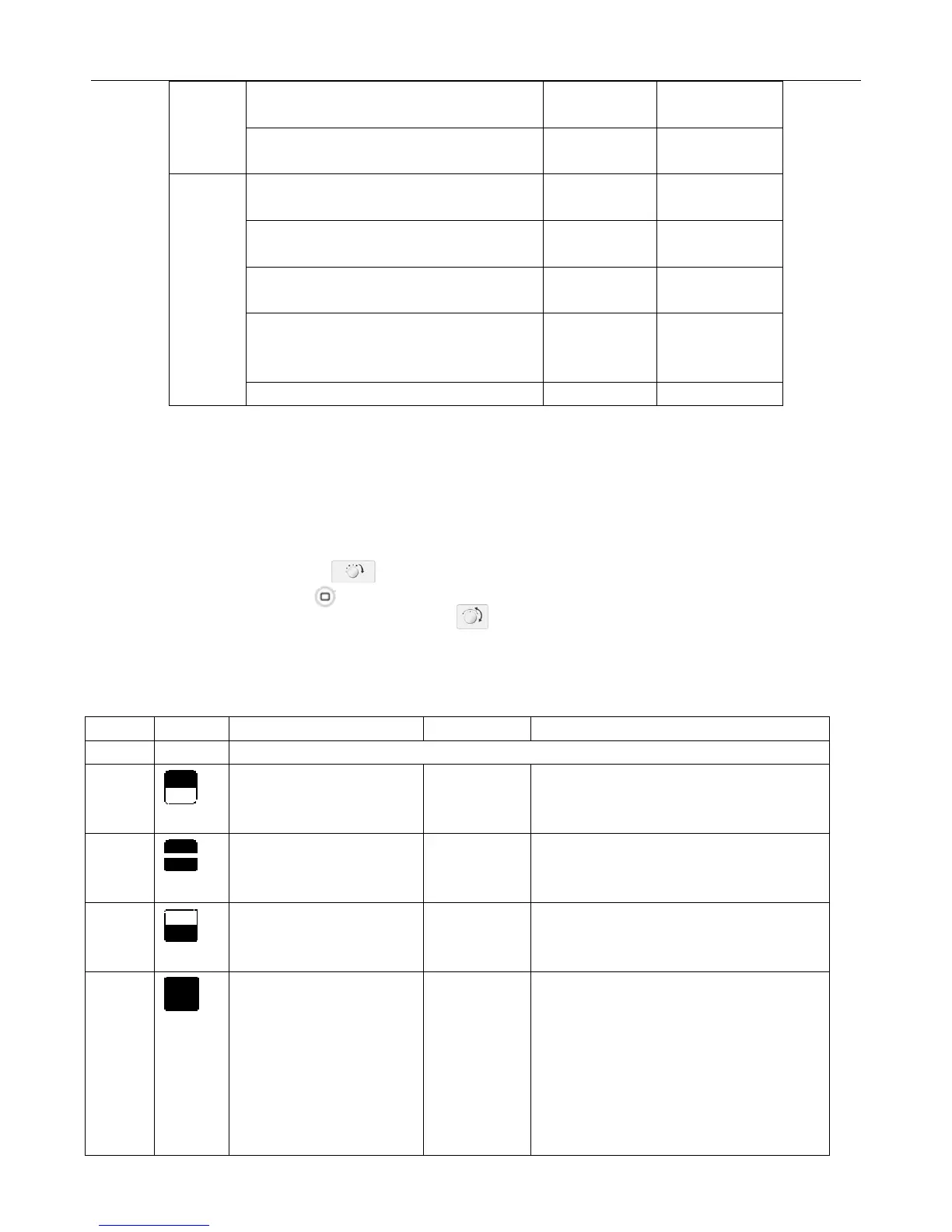
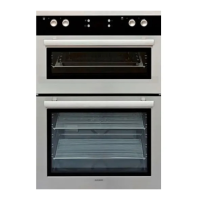
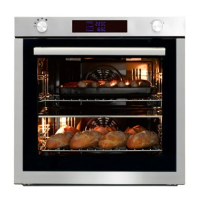
Setting the divider mode
For upper, twin and lower modes, insert the divider at the “OFF” position of Divider Select Knob. For single
mode, remove the divider at the “OFF” position. And then turn the Divider Select Knob to select the mode
you want. For further details, see the table below.
1 Turn the Divider Select Knob to select the desired partition.
2 Press the Function Button and hold for about 3 seconds.
3 Turn the Time / Temp/ Function Control Knob to select the desired oven function. If 3 seconds
have elapsed and there are no further adjustments, the oven will begin automatically in the selected
mode and function.
Seafood
Fish whole
(1360 to 2270g)
205
Lobster Tails
(170-230g each)
175
Poultry
Whole Chicken
(1134 to 1588g)
175 80-85
Cornish Hens Unstuffed (453-680g)
(Stuffed 453-680g)
175
175
80-85
80-85
Ducking
(1800-2270g)
160 80-85
Turkey, whole*
Unstuffed (4536-7260g)
Unstuffed (8165-10890g)
160
160
80-85
80-85
Turkey Breast (1814-2720g) 160 75
Divider Marking Oven Function Insert Divider Usage Information
OFF OFF
Upper
Mode
1. Convection
2. Top Heat+ Convection
3. Large Grill
Yes This mode saves energy
and time when cooking small
amounts of food.
Twin
Mode
Both Upper and Lower
Partition Function
Yes You can cook two dishes at
two different temperatures at
the same time.
Lower
Mode
1. Convection
2. Bottom Heat+
Convection
Yes This mode saves energy
and time when cooking small
amounts of food.
Single
Mode
1. Convection
2. Top Heat+ Convection
3. Convectional
4. Large Grill
5. Small Grill
6. Bottom Heat+
Convection
7. Defrosting
No


 To Next Page