APOLLO Windows XP Embedded Quickstart Setting up Windows Embedded Studio
© 2007 Eurotech Ltd Issue E 35
Viewing components
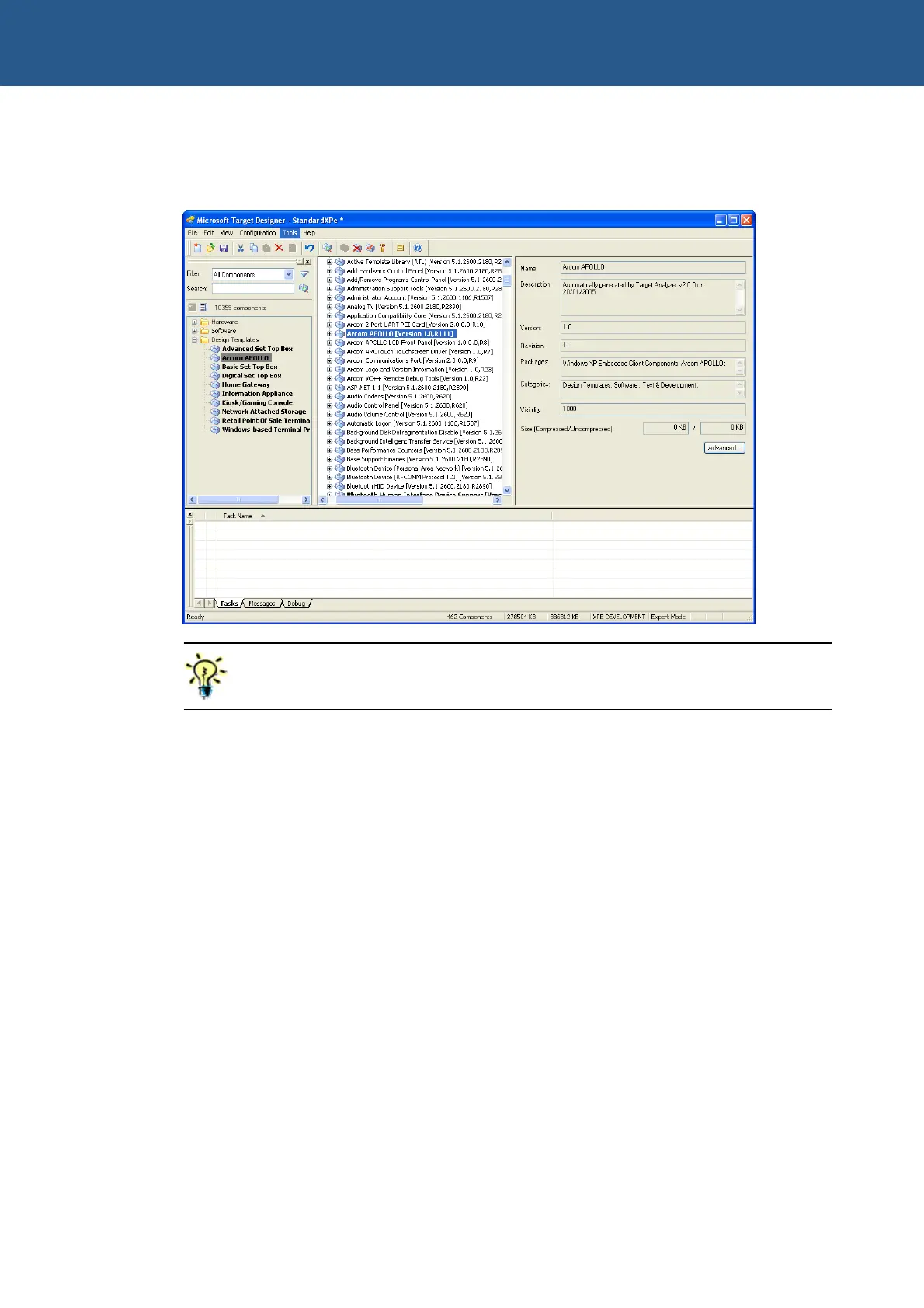
The following image shows what you see when viewing components:
To view all the components, set the visibility to 100.
To set the visibility, open Target Designer and select Tools → Options → Advanced
→ Minimum visibility.
If you just want to view Eurotech Ltd components, you can create a filter by following
these steps:
1 Open Target Designer and select Tools → Filter Manager → New.
2 Enter the name Arcom to represent this new filter.
3 Double-click on Component belongs to the following package under Filter
Rules.
4 Double-click on Component belongs to the following package (which now
appears in the Filter Description window with the heading Filter Rule and Edit
box), and choose the following package:
Arcom APOLLO
5 Click on OK to return to the Filter Editor window.
6 Change the Combine using selector to OR.



 To Next Page