APOLLO Windows XP Embedded Quickstart Setting up Windows Embedded Studio
© 2007 Eurotech Ltd Issue E 36
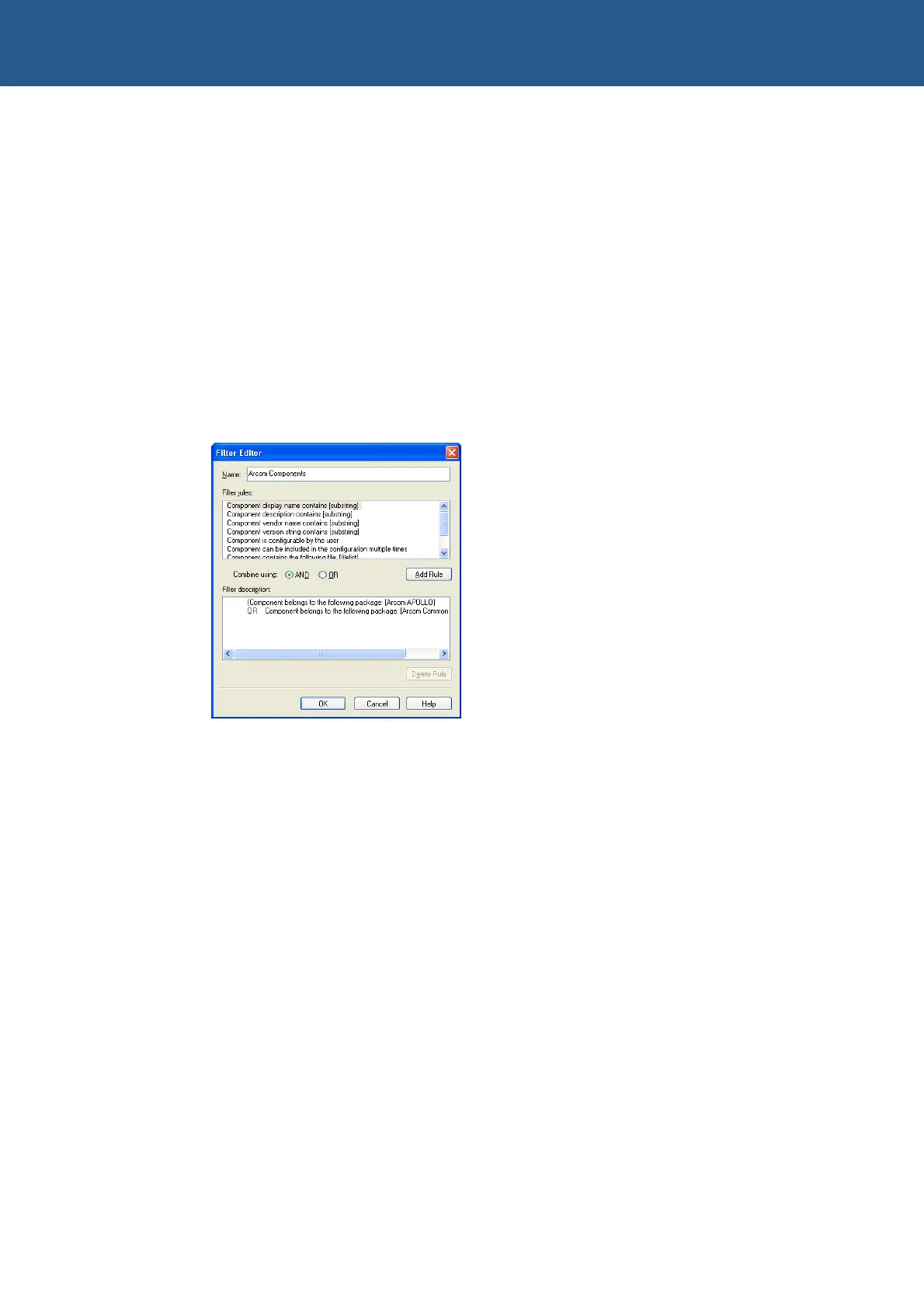
7 Double-click on Component belongs to the following package under Filter
Rules.
8 Double-click on Component belongs to the following package (which now
appears in the Filter Description window with the heading Filter Rule and Edit
box), and choose the following package:
Arcom Common Components
9 Click on OK to return to the Filter Editor window.
10 Click on OK in the Filter Editor window.
11 Click on Apply Filter. This displays all the components supplied by Eurotech Ltd
for the Windows XP Embedded APOLLO Development Kit:
If you want to view all the components in the Target Designer, select All Components
from the Filter drop-down list in the left-hand pane of the main Target Designer
window.



 To Next Page