19
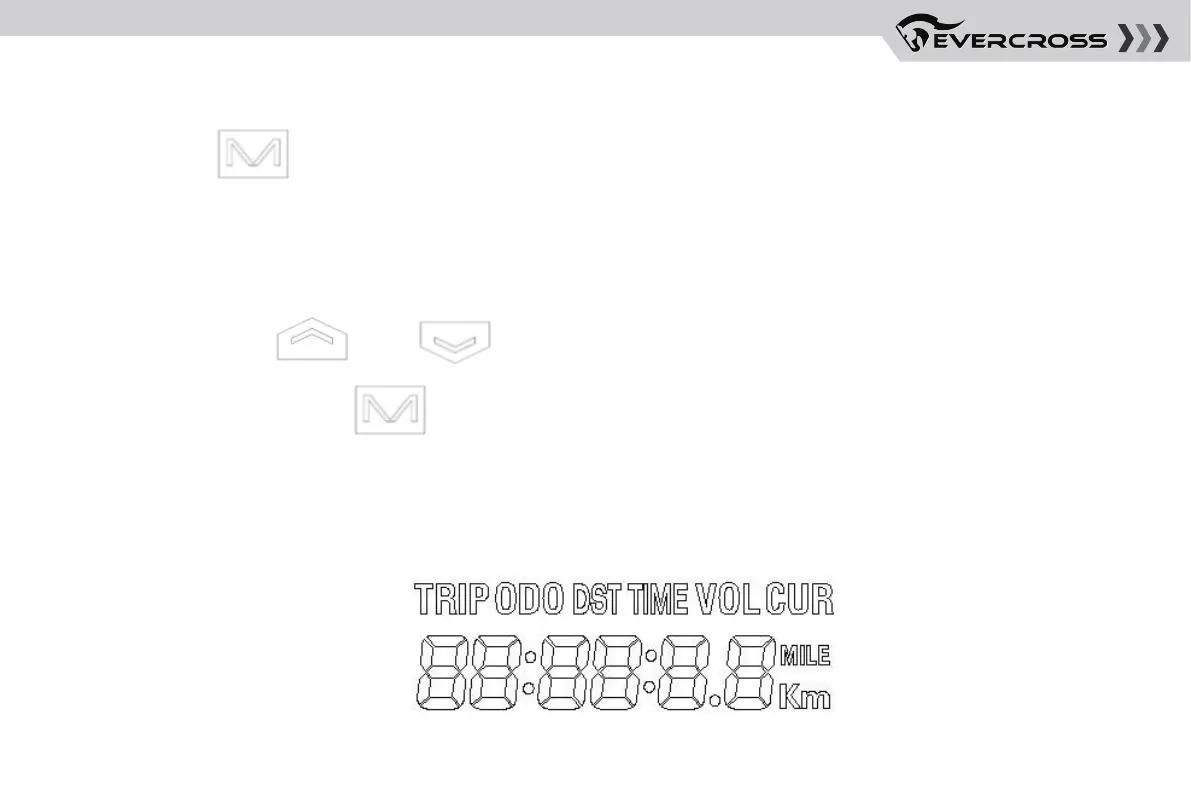
Short press [ ] button", switch mode, display in order: current mileage (DST), total
mileage (ODO), current running time (TIME), current battery voltage (VOL)
MILEAGE MODE/RUN TIME/VOLTAGE DISPLAY SWITCHING
Long press botton [ ] + [ ] at the same time to enter/exit the setting parameter; after
entering the setting, press [ ] briefly to go to the next parameter and adjust the value by up and
down keys.
PARAMETER SETTINGS
MULTIFUNCTIONAL DISPLAY AREA



 To Next Page