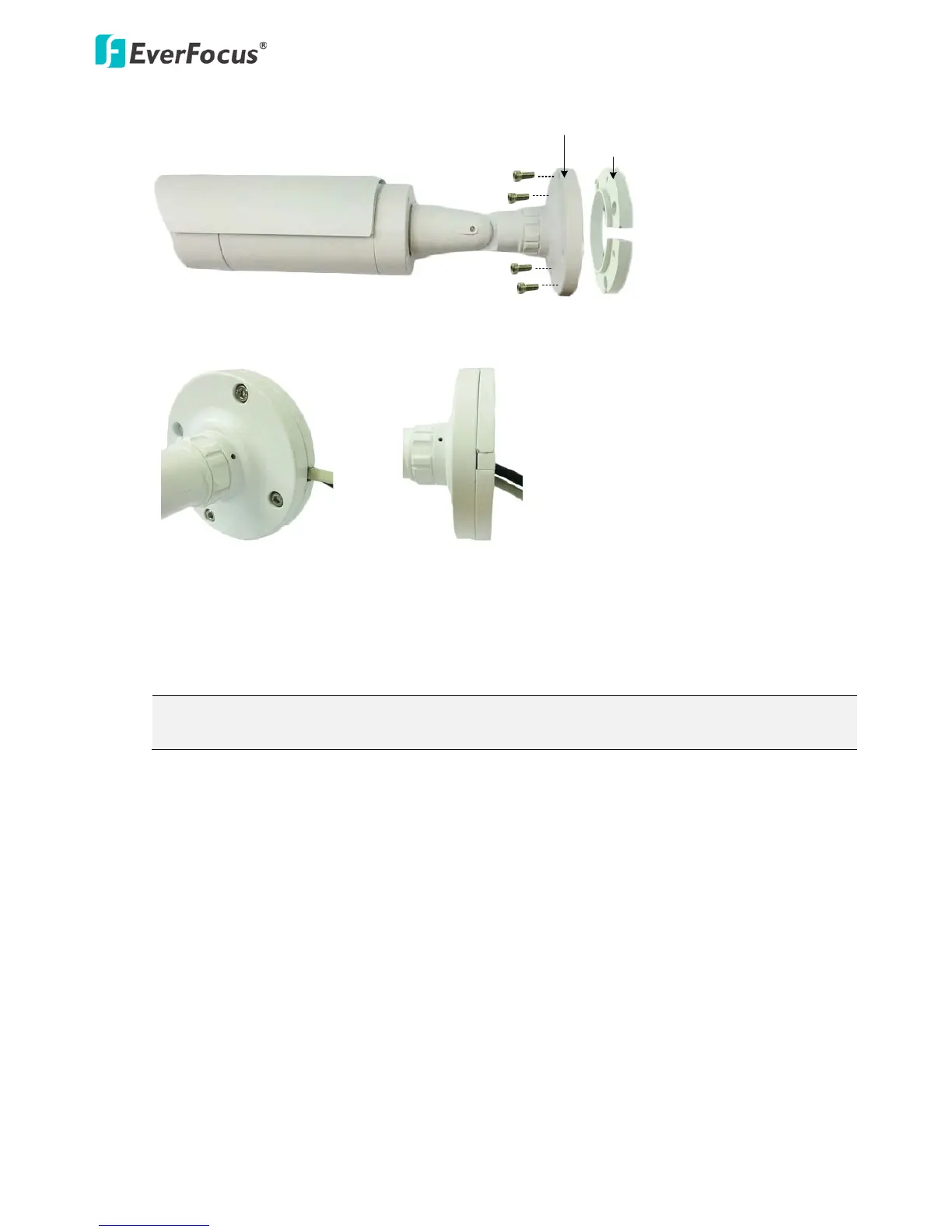
4. Connect the network, power and other cables to the related devices. Please refer to 3.1 Cables.
5. Optionally insert a micro SD / SDHC card into the card slot (see 4.2.2 Inserting a Micro SD Card).
Note: After opening the camera cover for inserting the micro SD card, you have to stick the
applied desiccant bag inside the camera.
6. Access the camera live view. Please see 5. Accessing the User Interface. Or connect a handheld test
monitor to the Video Test Output on the camera module for adjusting camera focus/zoom/angles.
For details on how to adjust camera focus / zoom using the 5-Axis Button on the camera module,
see 3.2 5-Axis Button.



 To Next Page