Application Note 65
Quartz Routing Switcher Remote Control Protocol
Revision 1.4 Page - 3
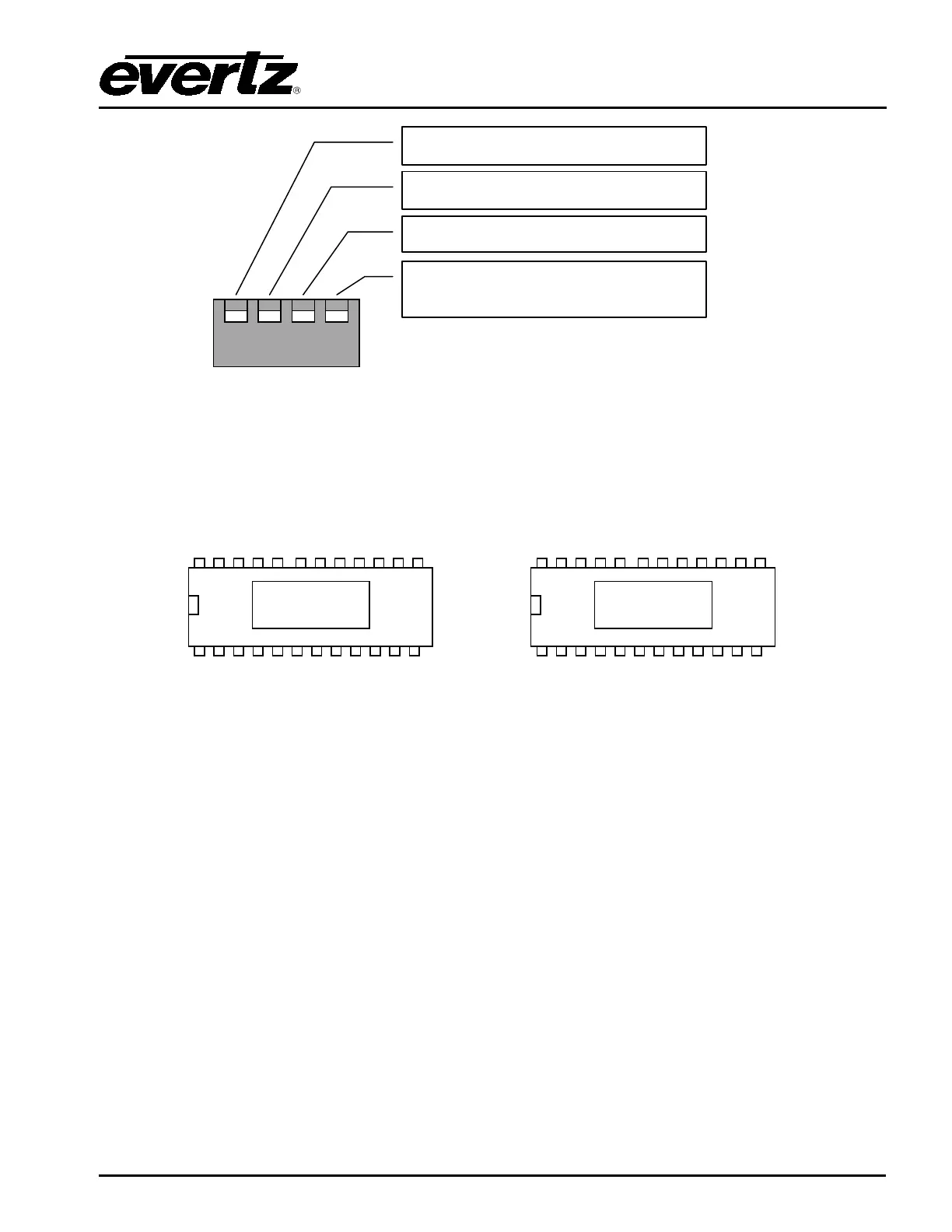
The normal setting for a master router is Up,Down,Down,Up and for a slave router Up,Down,Up,Up.
1.1.3.2. Protocols
The embedded router/panel firmware EPROM has one remote control protocol built in to it. The
Quartz standard ASCII protocol is indicated by a -1 at the end of the EPROM number i.e. PC215-1.
In later systems the embedded router/panel firmware FLASH device may have one or more remote
control protocol built in to it. These protocols can be selected via the WinSetup configuration editor.
The port operates at 38400, 8 data bits, no parity, and 1 stop bit. Other baud rates and parity options can
be selected from WinSetup.
DIP-1 Up = Default baud rate (38400)
Down = SETUP defined baud rate
DIP-2 Up = Normal position
Down = computer port enable
DIP-3 Up = Slave router
Down = Master router
DIP-4 Up = Normal position
Down = Re-
boot with i/p X to all
o/p’s



 To Next Page