EVGA X299 Micro (131-SX-E295)
- 113 -
Ne
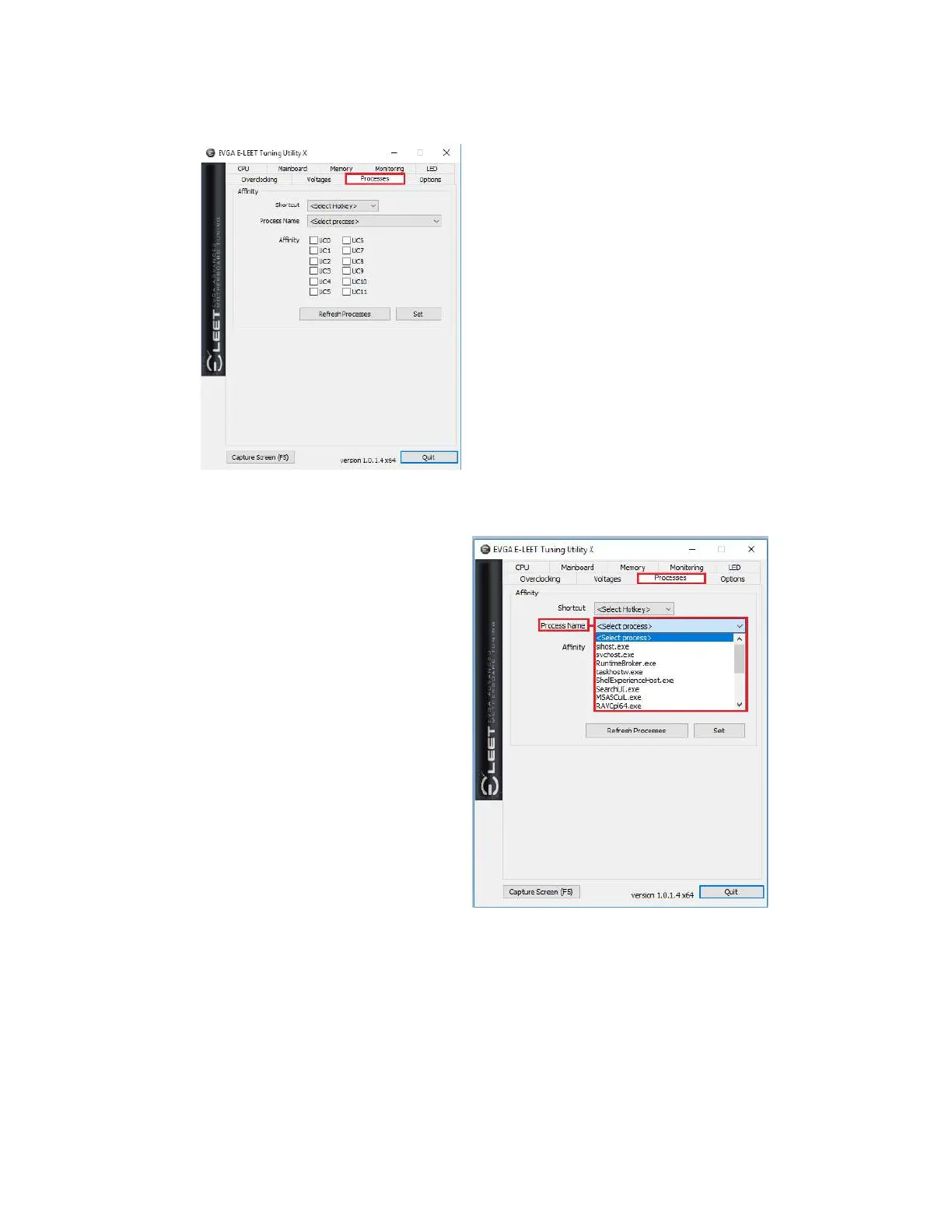
xt is the “Processes” tab, which is used to
set Processor Affinity. Processor affinity is no
longer used as heavily as it was in past
hardware and Windows versions. However,
this menu can still be used to bypass the inter-
load distribution of the CPU and always set a
certain CPU core or cores to run a specific
process. The processes pulldown list is a
snapshot only of the processes in Task
Manager when E-LEET launches. Click the
“Refresh Processes” button to ensure the
processes list is current before making affinity
setting changes, or if the process you want is
not showing.
To set affinity, click on the pulldown button next to “Process Name.” Select the
Process you wish to set affinity for; the file name will appear in the context menu.
Finally, select which core or cores you
want to assign to this process and click
“Set” at the bottom.



 To Next Page