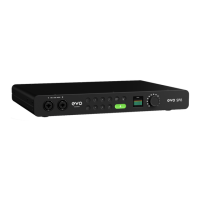
EVO EXPANDED SYSTEM
Connect an TOSlink cable from the EVO SP8’s Optical Output to the
Optical Input of your host interface.
Using the Setup Menu of the SP8, set the clock source to ‘Internal’.
Check that your host interface is set up to sync to the incoming ADAT
signal. On an Audient iD interface for example, this would be done in
the System Panel by setting the Clock Source to ‘DIGI’.
Finally, check that both devices are using the same sample rate so
they can correctly sync.
1.
2.
3.
4.


 To Next Page