HARDWARE
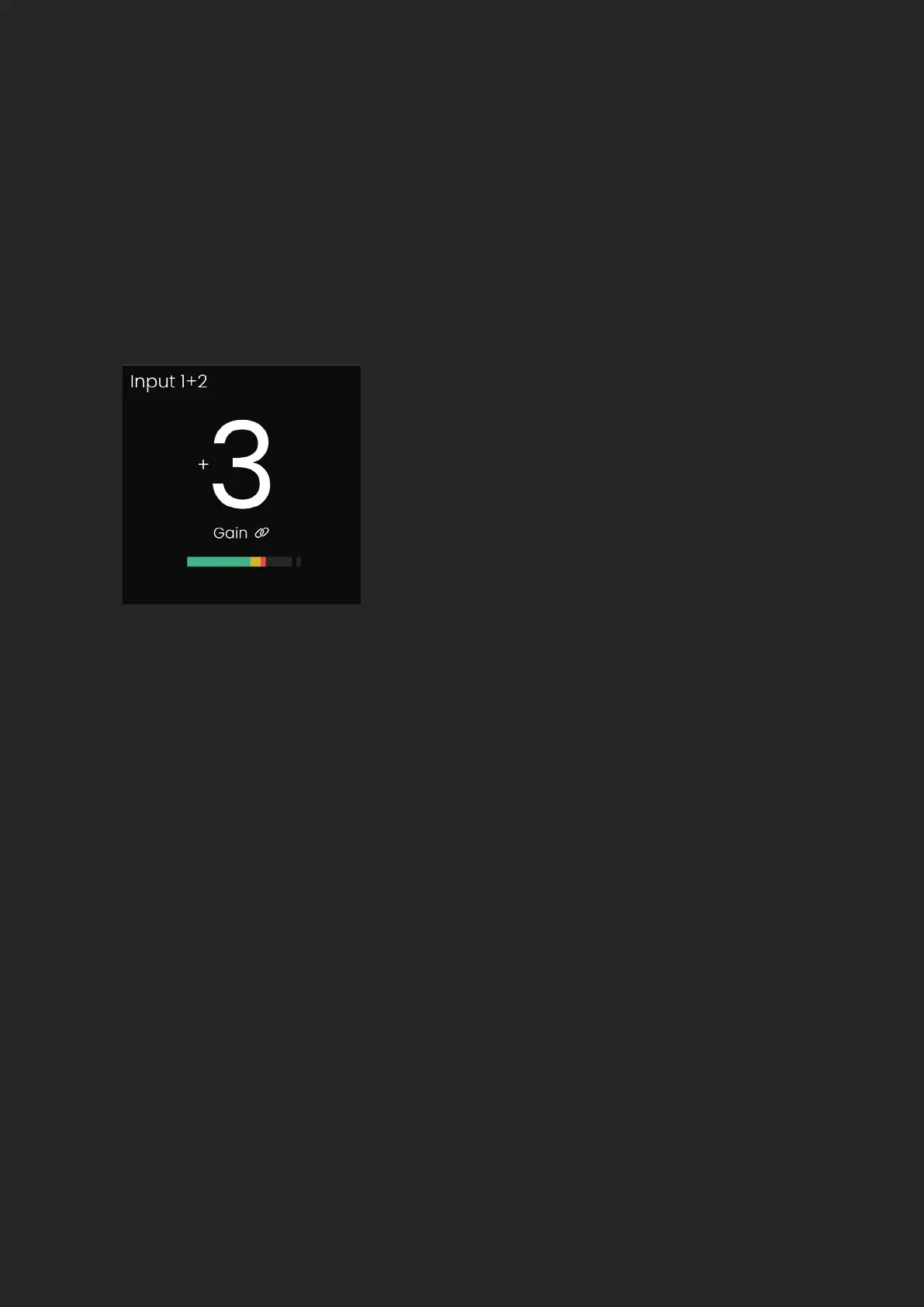
EVO SP8 has the ability to stereo link 2 channels, meaning you can match
and adjust the gain settings simultaneously. Channels can be paired in
sequential order, so channel 1 with channel 2, channel 3 with channel 4 and
so on. When two channels are linked, a ‘Link’ icon will appear on the Input
Status Screen and the input name will update. e.g. 1+2.
When on the input metering screen, you will also see a small hyphen
connecting the linked channel numbers.
The Smartgain feature can be utilised to automatically set the correct gain
levels for one or more channels simultaneously.
To activate Smartgain, press the green Smartgain button, you will then be
prompted to select the channels you want to set the gain for. Select the
channels you want using the channel buttons or press and hold the Smartgain
button to quickly select all 8 channels at once.
Smartgain Mode


 To Next Page