HARDWARE
Power
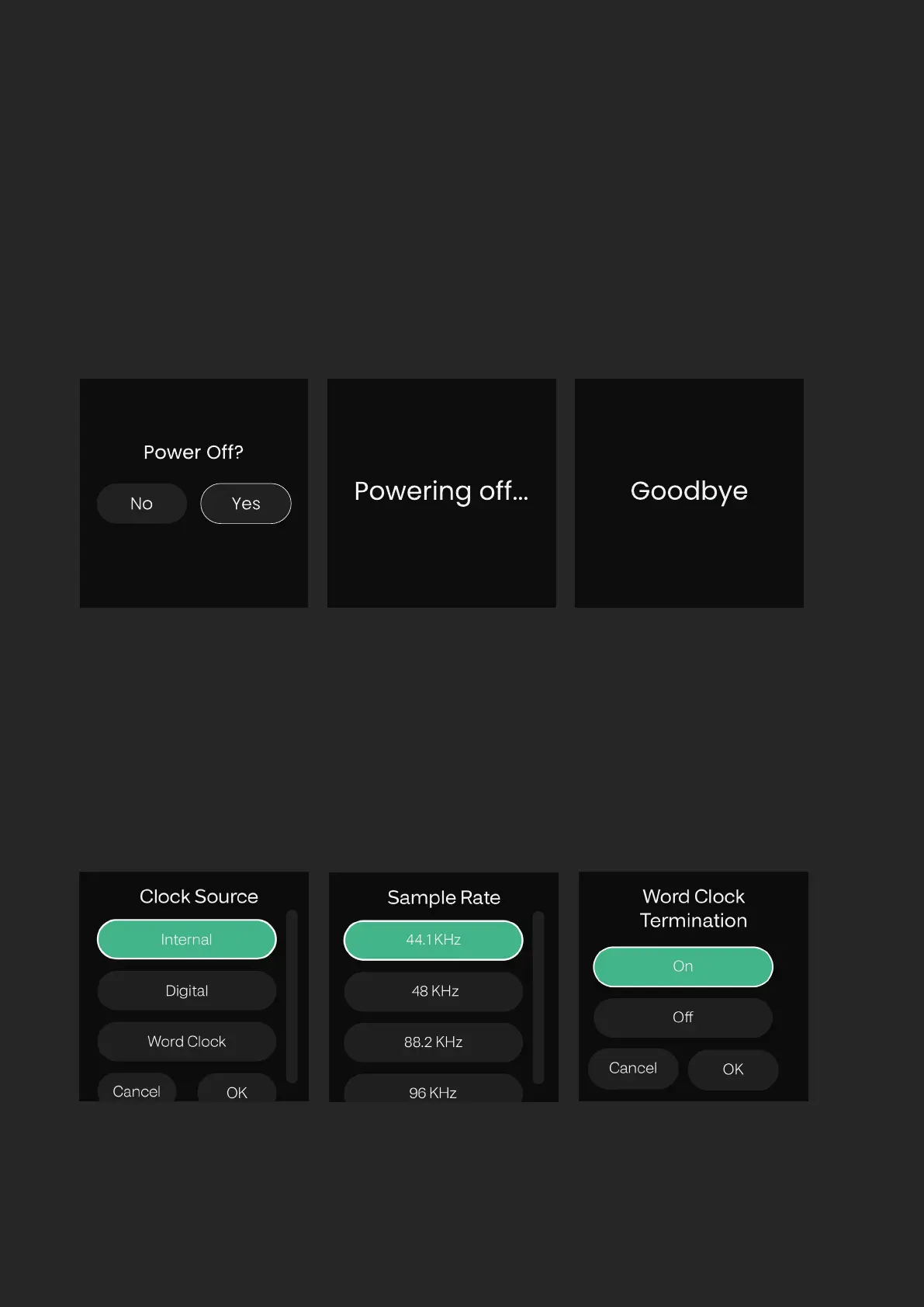
To power o the unit, rotate the Control Wheel until Power is selected,
and then press the Control Wheel to select. You will then be prompted to
conrm if you want to turn o EVO SP8, select Yes, and press the Control
Wheel to conrm.
This will put EVO SP8 in a Low-power Standby Mode. To turn the unit back
on, hold down the Control Wheel until the screen illuminates.
You can also turn o EVO SP8 without navigating to the Settings Menu by
simply holding the Control Wheel down for 5 seconds.


 To Next Page