HARDWARE
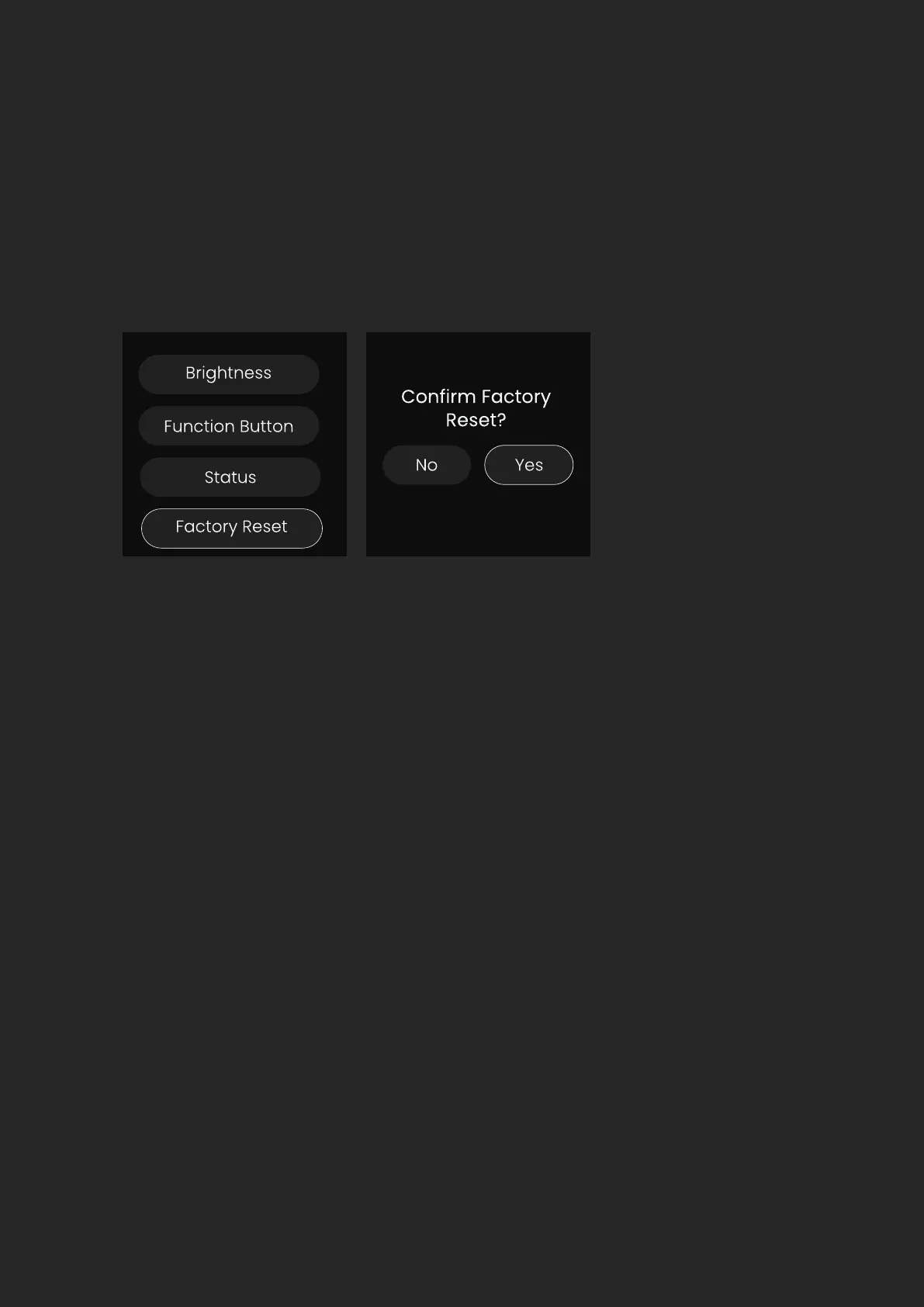
Factory Reset
Clocking Congurations
A Factory Reset will return the unit to its default state and any settings will
be removed. Please note that a factory reset cannot be undone so use this
option with care.
When you are using multiple devices together with digital connections such
as ADAT, it’s vital that they all remain in sync with each other. The process of
syncing up your devices is known as ‘clocking’.
In your setup, you must choose one device to be the primary clock and all
other devices in the system will be replica clocks. It’s important that there
is only one primary clock in your system. Having multiple primary clocks will
cause the devices to go out of sync and cause distortion on your recordings.
The primary clock sends a very fast ticking signal to the replica device. This
ticking signal can either be sent via a dedicated connection for the clock,
such as the BNC Word Clock Input on the EVO SP8, or sent alongside your
audio data on an ADAT connection.


 To Next Page