HARDWARE
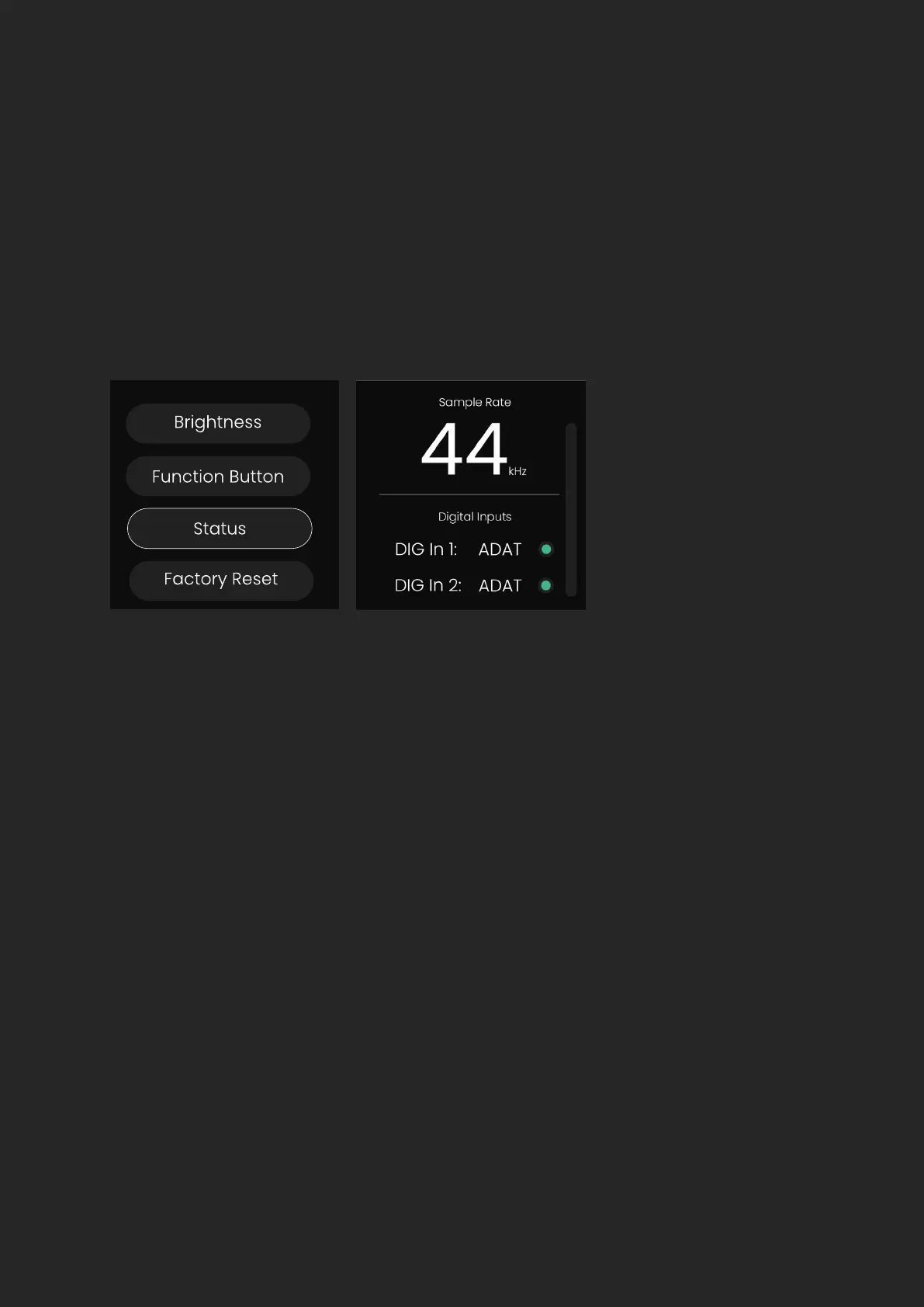
Status
The Status screen shows the current sample rate and the status of the clock
on the DIGI and Word Clock Inputs.
A green indicator dot next to an input indicates that the EVO SP8 has
successfully synced to the clock present on this input.
An amber indicator dot next to an input indicates that a valid clock has been
detected but at a dierent sample rate to the SP8’s. Adjust either the SP8 or
the external clock to match.
A red indicator dot indicates that no valid clock has been detected on this
input. In this case, double check your connections or try a dierent cable to
rule out a faulty cable.


 To Next Page