HARDWARE
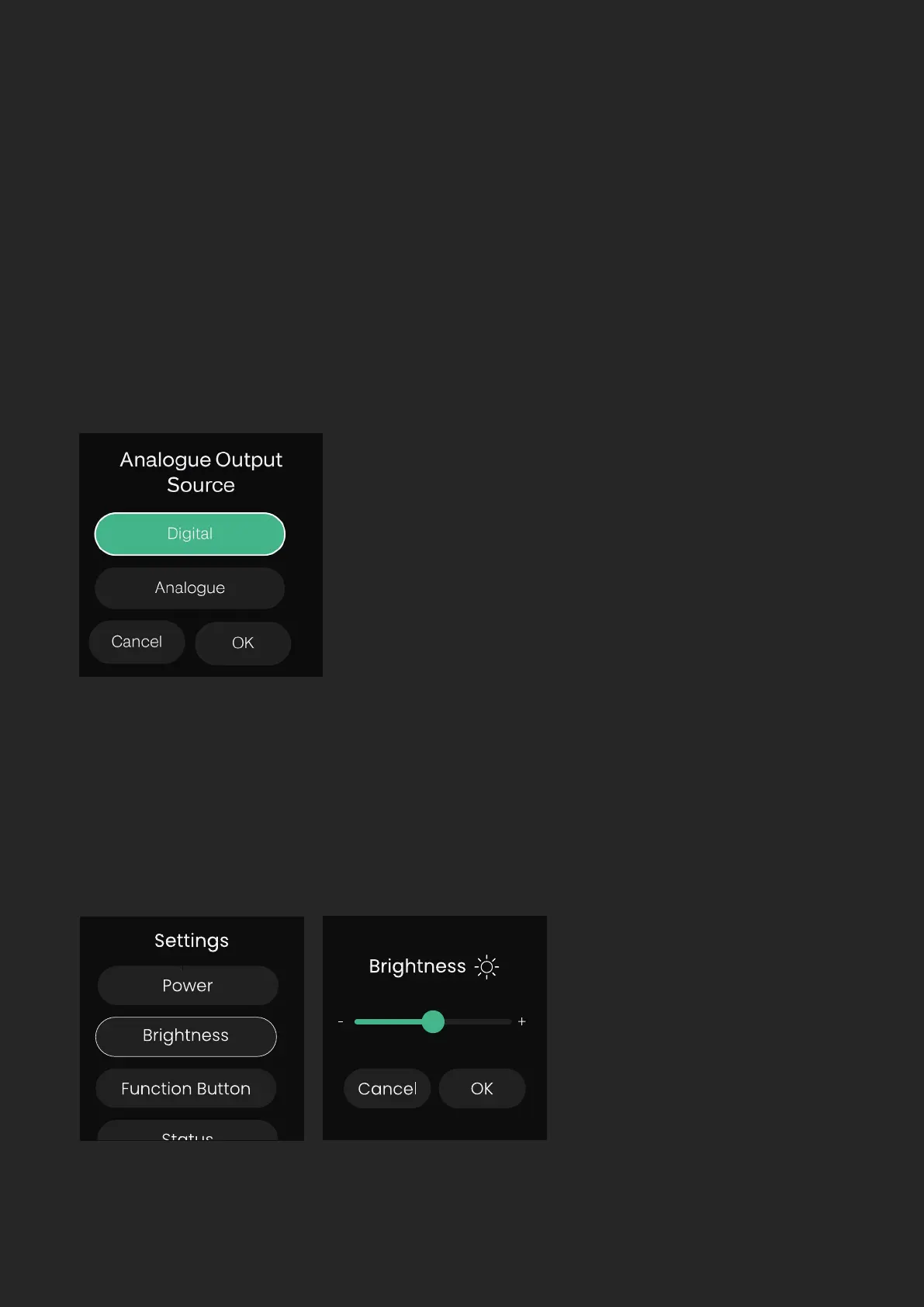
Output Source
Here you can change what signal is sent to the 8 line outputs of the EVO SP8.
When set to ‘Digital’ the 8 ADAT input channels are sent to the 8 Line Outputs
allowing the EVO SP8 to be used as a 8 channel D to A converter. Otherwise,
the ‘Analogue’ setting will send the outputs of the 8 Preamps directly to the
Line Outputs to allow the SP8 to be used as a standalone mic pre.
Brightness
Enables the brightness of the LEDs on the front panel of the EVO SP8 to be
adjusted to suit the ambience of your studio.


 To Next Page