HARDWARE
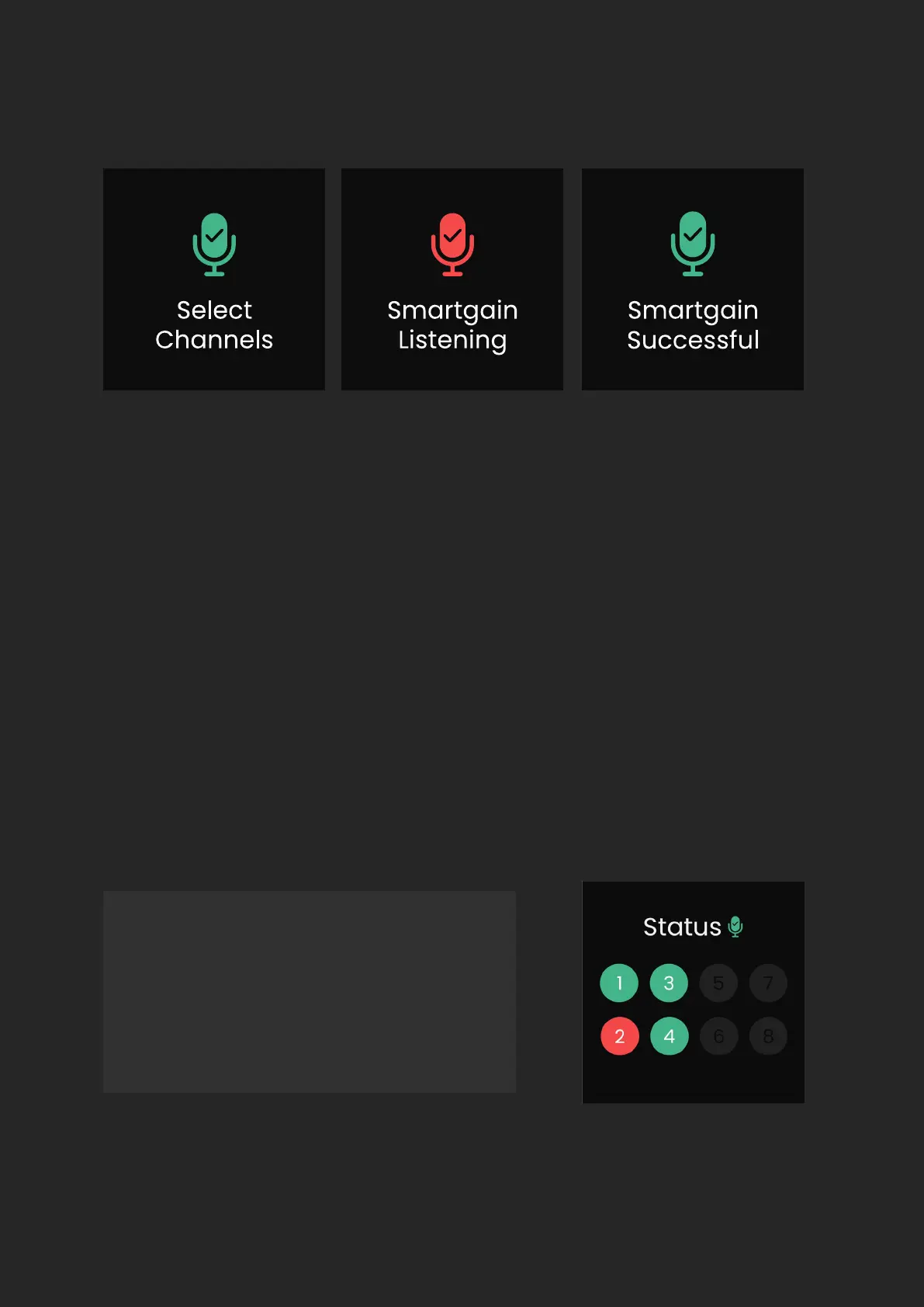
Once you have selected the channels you require, press the Smartgain Button
again to start. You will now see a ‘Smartgain Listening’ screen, this is where you
or your artist will need to start performing in order for Smartgain to analyse
your signal.
If all selected channels are successfully set, you will see the ‘Smartgain
Successful’ screen and you are ready to start recording.
If Smartgain fails for any reason you will see the ‘Issue Detected’ screen
followed by the Smartgain Status screen. The Smartgain Status screen gives
you an overview of the status of each channel in relation to Smartgain.
Green - means it was successful
Red - means it failed
Grey - means the channel
was not selected


 To Next Page