HARDWARE
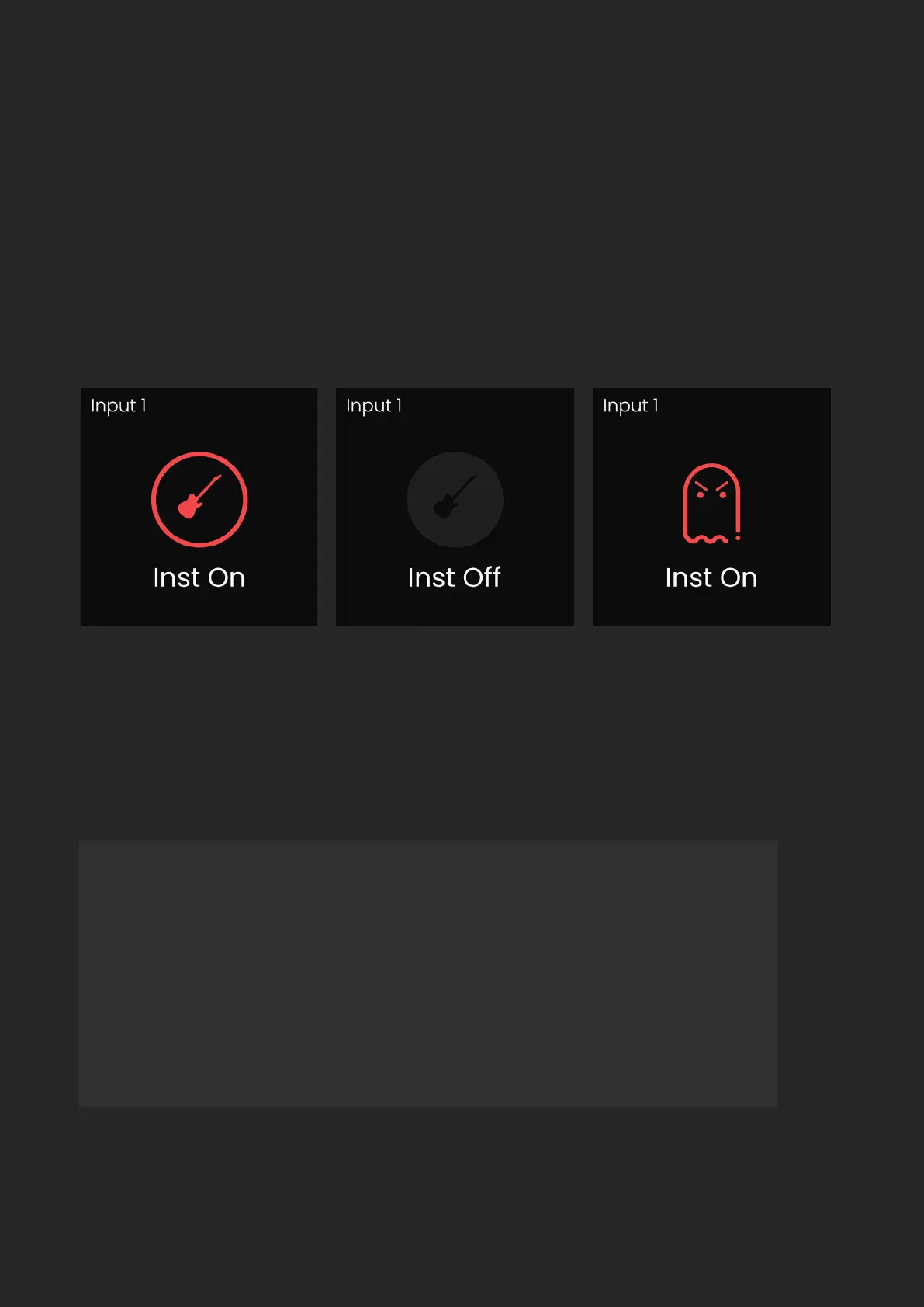
Both channels 1 + 2 are able to switch to Instrument Mode, meaning they
are able to be used to record guitars and basses. To do this, select either
channel 1 or 2, then press the Instrument Button. The button will then
illuminate as well as display the temporary feature toggle screen. To turn
o Instrument Mode, press the Instrument Button again, which will again
display the feature toggle screen.
If you try and activate phantom power on Channels 1+2 whilst the instrument
input is active, an error screen will be shown as it is not possible to have both
active at once.
Remember: After you’ve nished recording via the Instrument
Inputs, you’ll need to switch them back to line & microphone
level inputs. To do this, press whichever instrument channel
button you’re using, then press the Instrument Button.


 To Next Page