HARDWARE
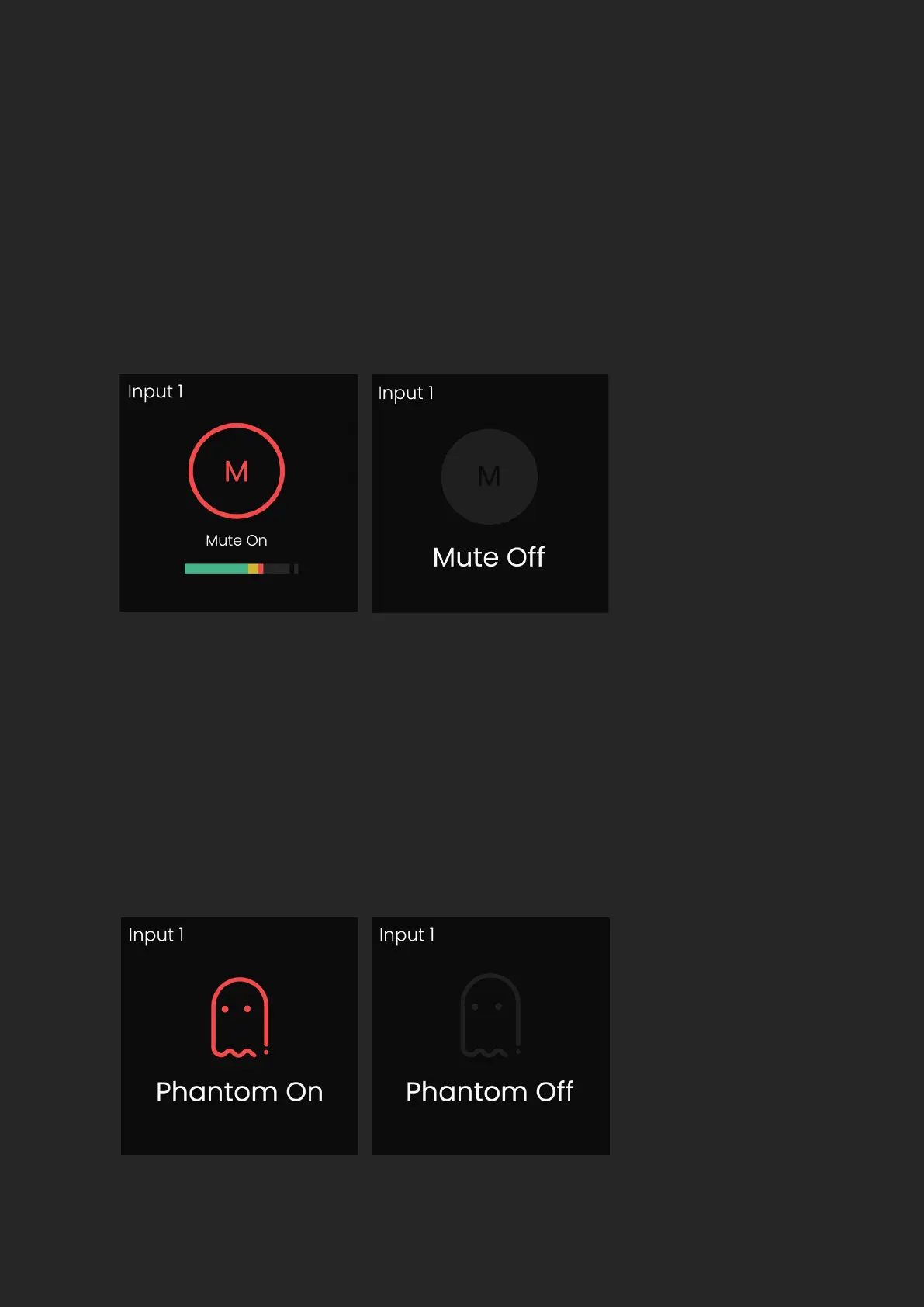
To quickly mute a channel, hold down the channels input button until
the Mute screen is shown, and the channel button begins ashing. When
a channel is muted, the gain level is replaced with the Mute icon, this will
remain in place until mute is deactivated, by again holding down the
channel button.
To activate phantom power, select the channel, then press the 48V Button,
which will then illuminate red and activate a temporary feature toggle
screen. This is set independently per channel so if you navigate away to a
dierent channel, where phantom power isn’t activated, the 48V Button will
no longer be illuminated. To turn o 48V, press the 48V Button again, which
will again display the feature toggle screen.


 To Next Page