13
2-2 MANAGING THE PRINT SETTINGS IN WINDOWS
Once the ribbon is installed, your Badgy printer will configure itself automatically.
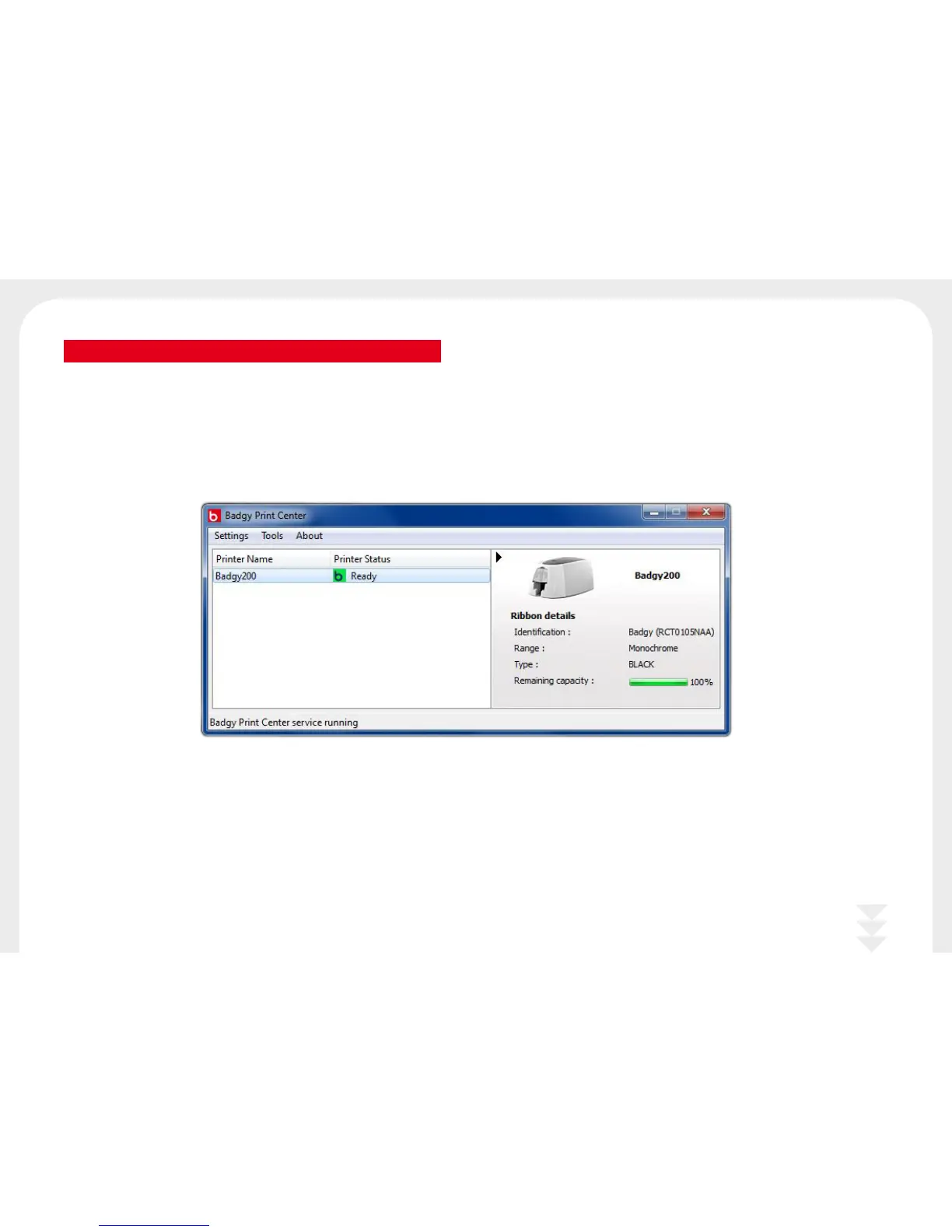
A graphic application called Badgy Print Center is available to help you change certain predefined settings, if needed.
To access this application:
l
From the Start button on the bottom left of your screen in the Windows task bar, select All programs, Evolis Card Printer, Badgy Premium Suite, Badgy Print Center.



 To Next Page