28
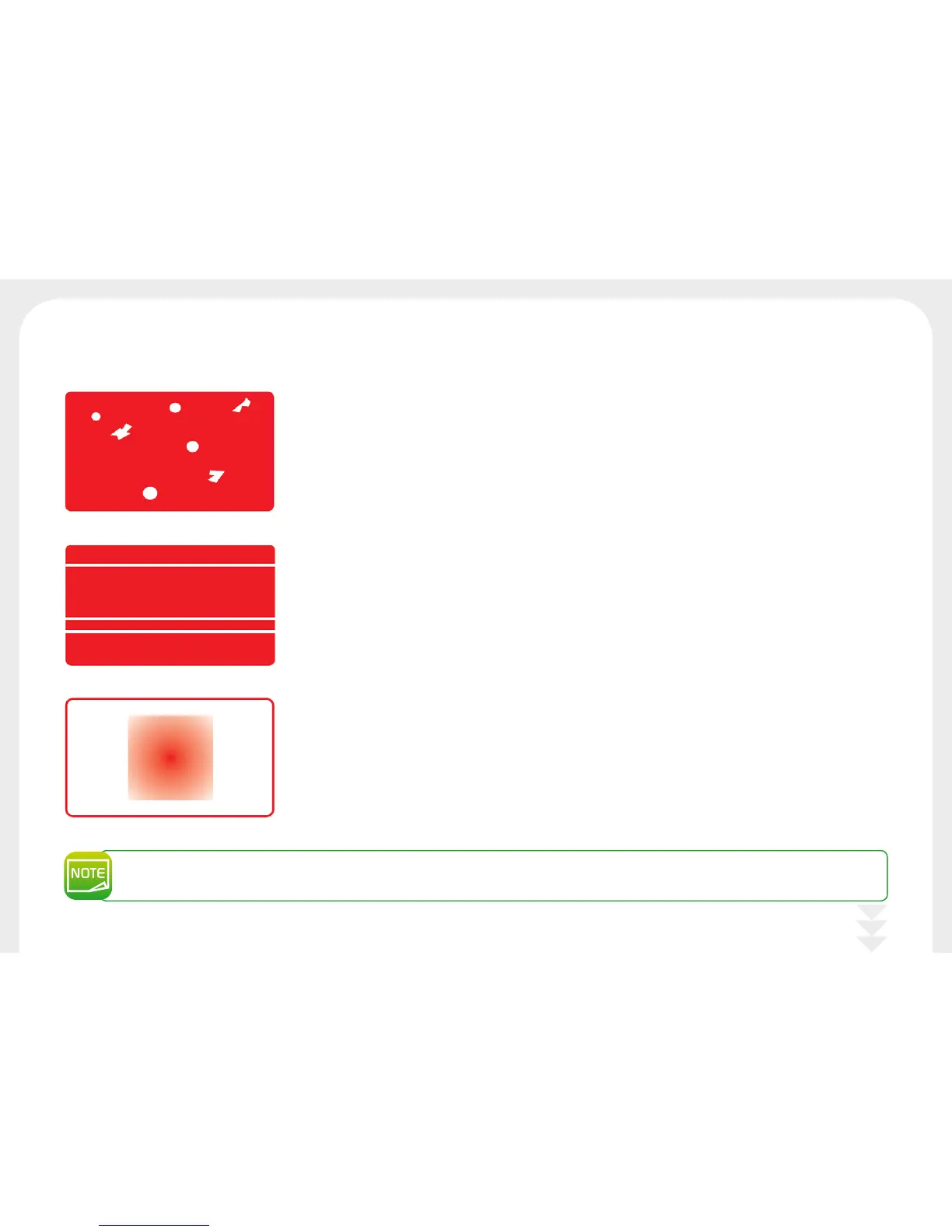
Poor print quality
Small blemishes on the card
l
The card surface may be dirty.
Check that your cards are perfectly clean.
Use new cards.
l
Cleaning roller or print head dirty.
Launch a cleaning cycle.
Horizontal white lines
l
The ribbon is not correctly tted.
Check that there are no wrinkles on the ribbon surface.
l
Print head dirty or damaged.
Clean or replace the print head.
Blurred image
l
The ribbon is not correctly tted.
Check that the ribbon is correctly positioned in the printer.
l
Poor ribbon synchronization.
Open and close the printer cover to synchronize the ribbon.
l
Dirty printer or cleaning rollers.
Clean the printer
l
Use of incompatible cards.
Check that the cards used match the specifications.
We recommend that you obtain your cards from a Badgy reseller.
Use of cards from a different brand is liable to adversely affect print quality and/or damage the print head.



 To Next Page