19
Í
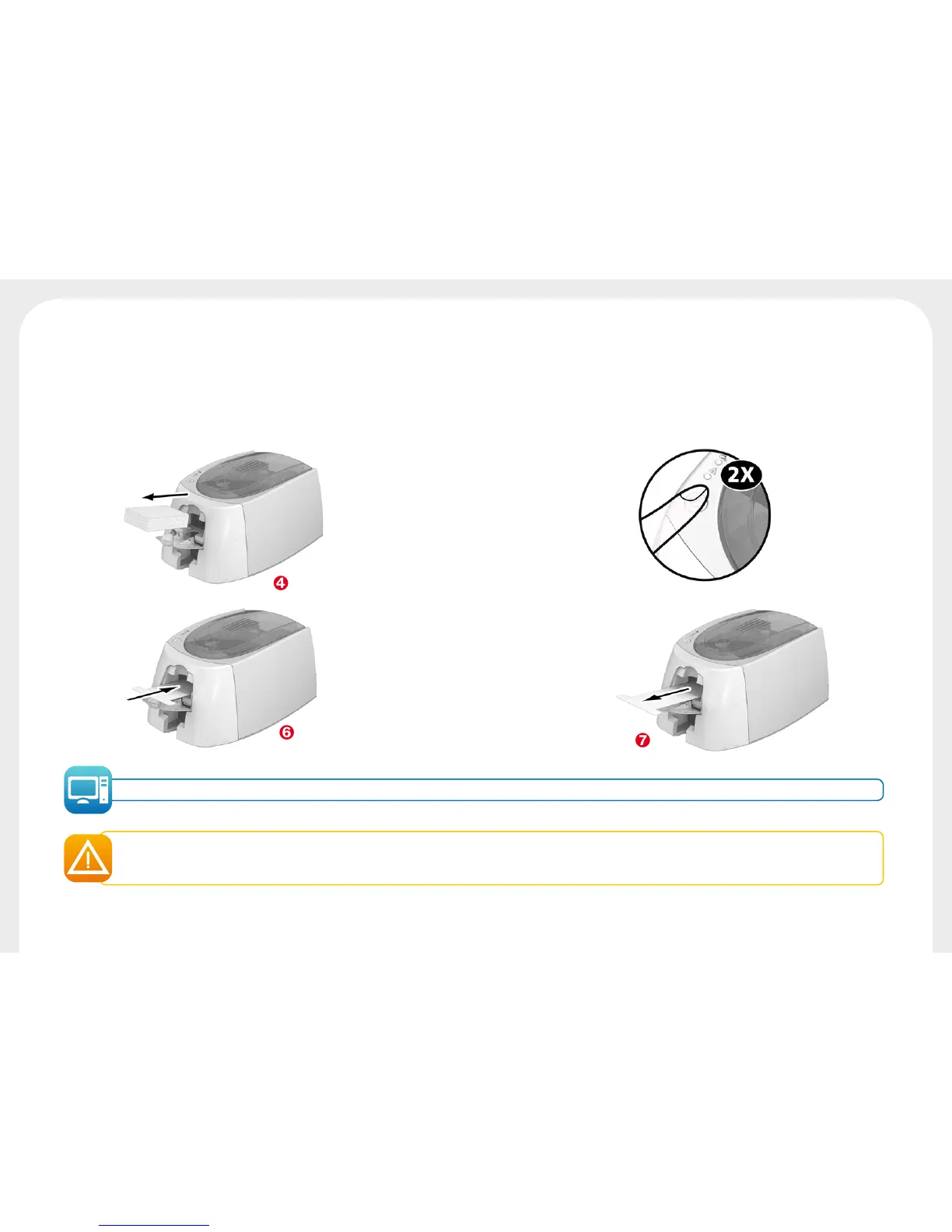
Remove any cards present in the feeder.
Î
Double-click the control button before inserting the "T" shaped cleaning card.
Ï
Take the "T" shaped cleaning card and insert it in the feeder as shown. Cleaning starts.
Ð
Remove the "T" shaped card
Printer cleaning may also be carried out from the Badgy Print Center by clicking on "Start cleaning."
Warning, the "T" shaped card must be used immediately after the bag is opened. A dry "T" card would not be operational, and may damage
your printer.
The "T" card is single use. Please use a new card each time you clean.
Í
Î
Ï
Ð



 To Next Page