ä
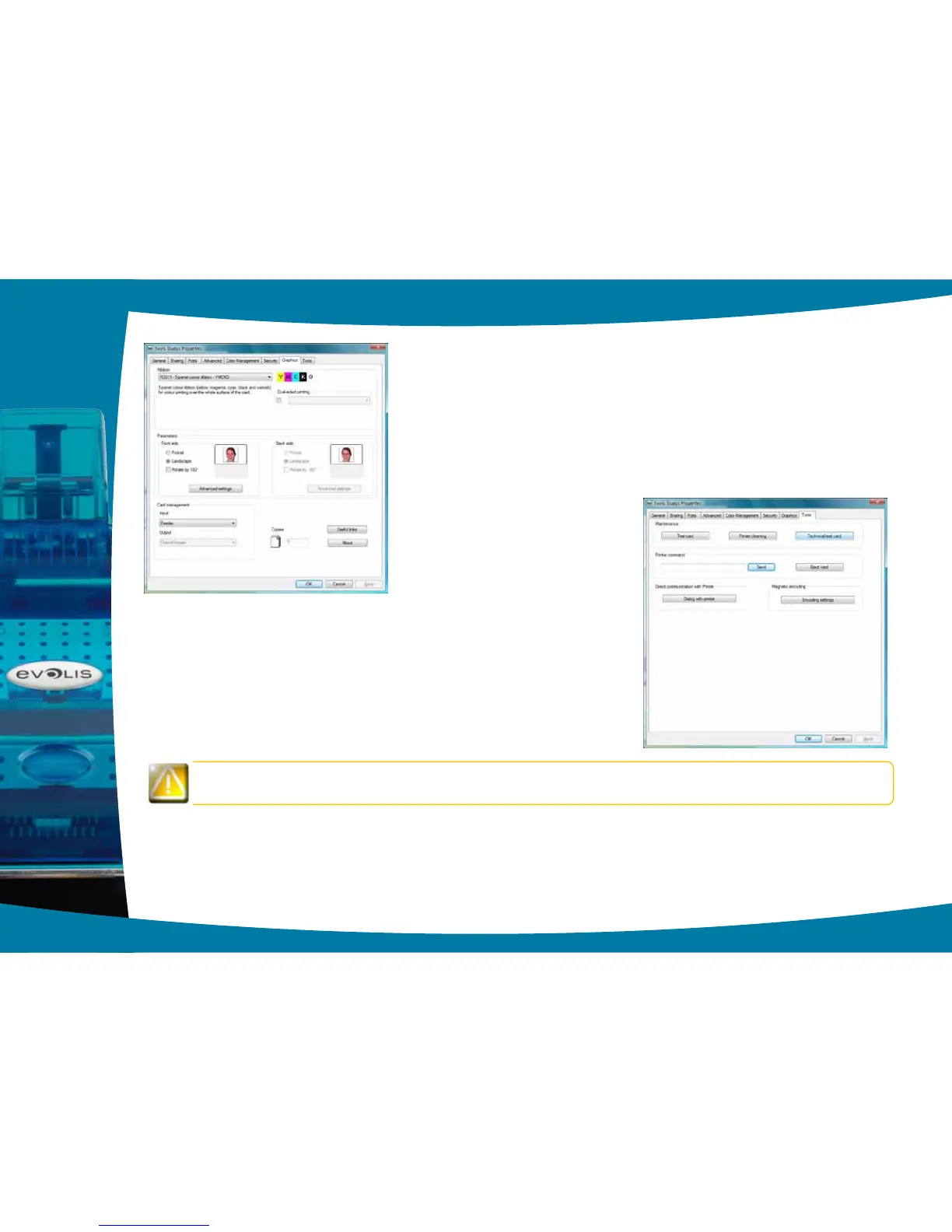
“Graphics” tab
l Ribbon or card types
l Front/back printing
l Choice of methods for feeding and collecting cards
l Card orientation, portrait or landscape
l Number of copies
ä
“Tools” tab
l Setting and testing magnetic encoding options
l Test card printing
l Cleaning the printer
l Dialogue interface with the printer.
We recommend that you print a test card when rst using the printer, and keep it. This card records information
such as the model and serial number which you could be asked to provide if you call technical support.
2
15



 To Next Page