4-3b FREEING JAMMED CARDS
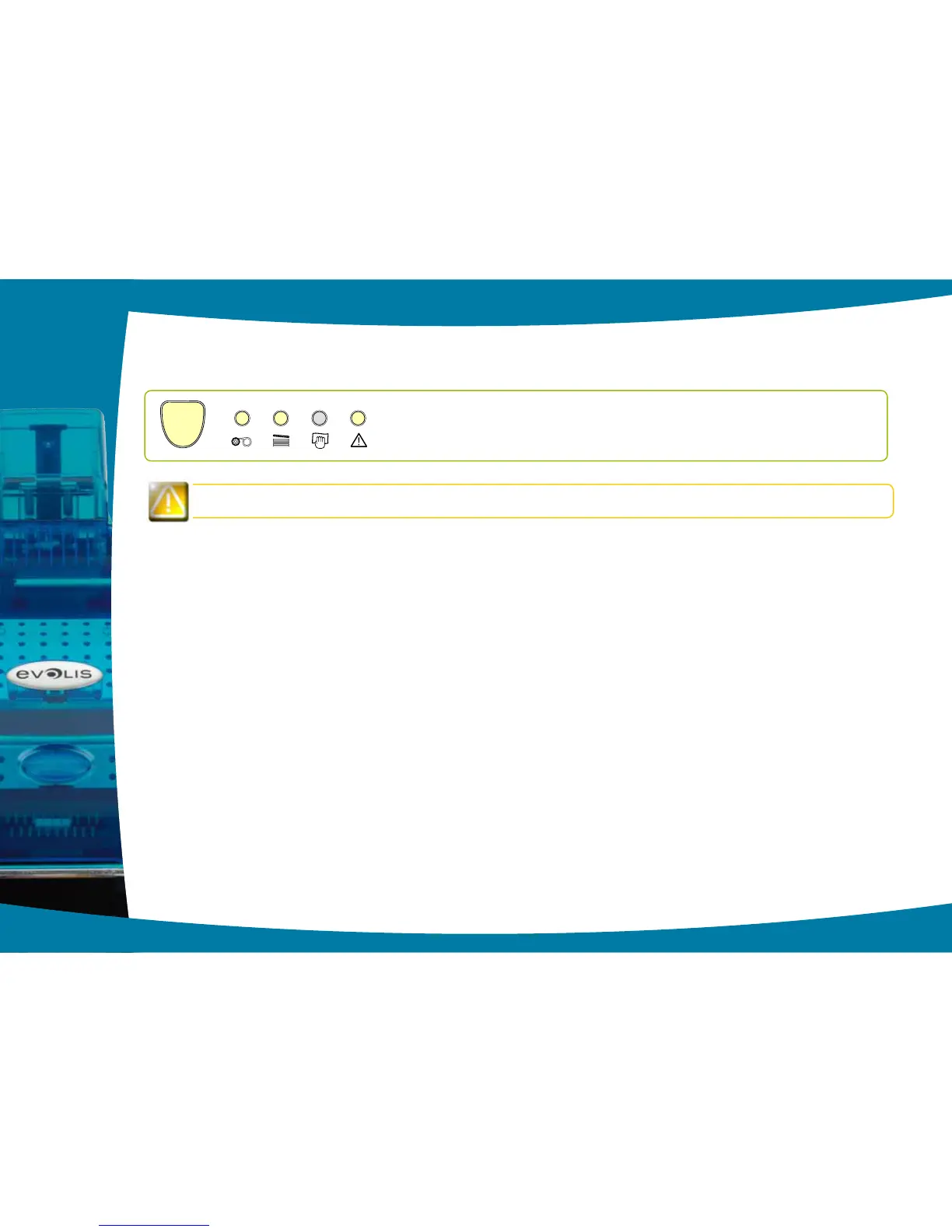
Control panel displays
Do not turn your printer off, as this cancels pending print jobs in the printer’s memory.
Remove the card as follows:
Ê
Open the printer cover and remove the ribbon.
Ë
Press the control button to turn the card transport rollers. If the card is still stuck inside the printer, slide it manually towards
the printer output. If there is more than one card, always push the top one rst.
Ì
Replace the ribbon, then close the printer cover.
Í
Press the control button on the control panel for one second.
To prevent card jams:
Ê
Check that the card thickness gauge is correctly adjusted.
Ë
Check that the thickness of the cards used matches the specications set out in Appendix A “Technical specications”
in this manual.
Ì
Check that the cards are at. Keep them in a horizontal position.
Í
Check that the cards are not stuck together. Shufe the cards before loading them.
4
33
l Print jobs are interrupted.MECHANICAL
PROBLEM



 To Next Page