AirKey system manual version 2.7 |
06/03/2024 | Subject to technical changes and misprints
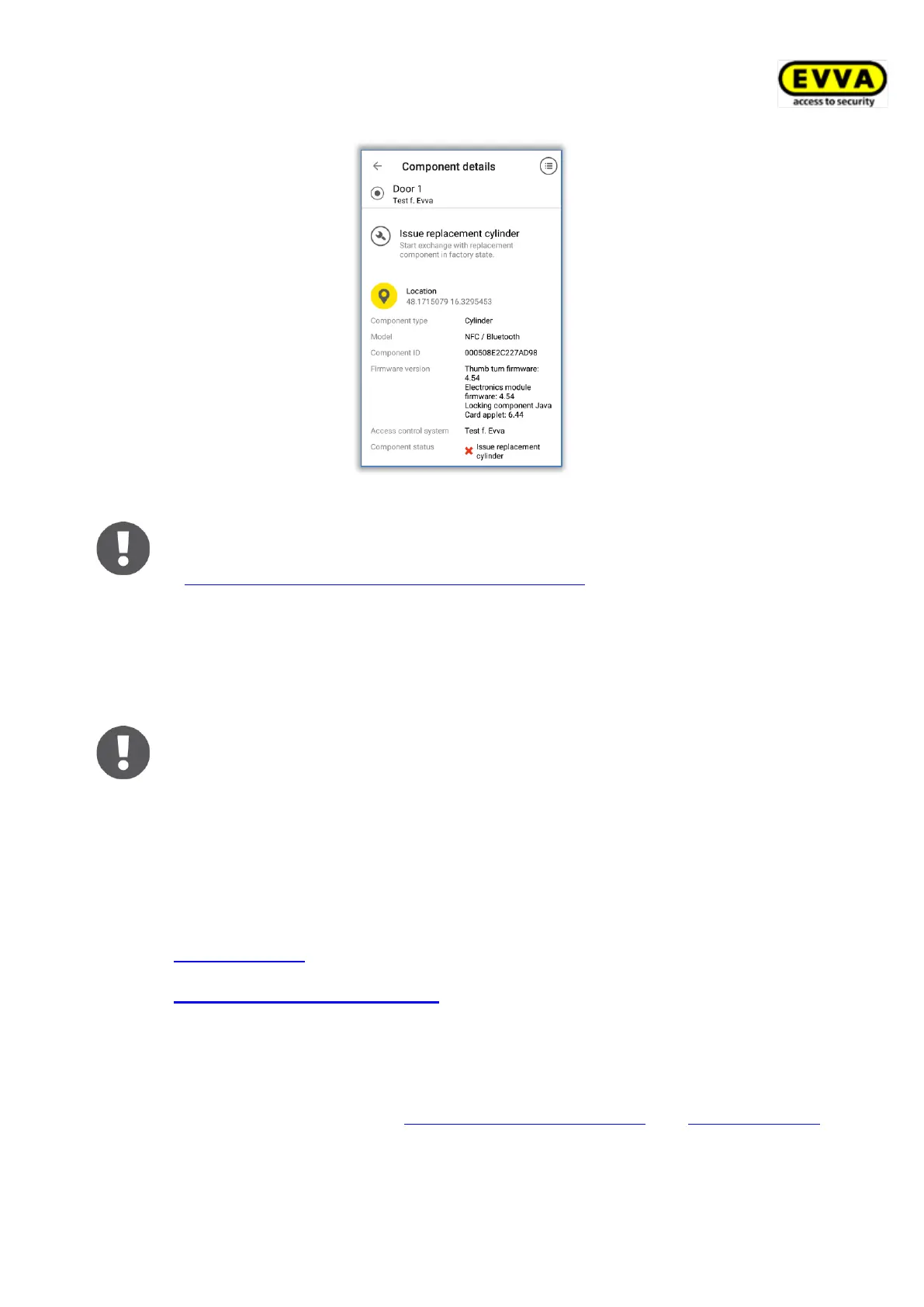
Figure 247: Locking component details view
Regularly update your locking components. This is the only way to ensure
your access control system remains secure and up to date. Please refer to
Access control system operation and maintenance for more information on
updating locking components.
Maintenance authorisation applies exclusively to the access control systems
for which it was activated. However, the maintenance authorisation may be
activated for several access control systems at once.
Hands-free mode must be deactivated on the smartphone to enable main-
tenance tasks or locking component updates.
6.13 Adding locking components
Maintenance authorisation must be activated for this access control system and the locking
components or access media (except for smartphones) must be in factory state to enable
you to add them to your access control system using your smartphone.
6.13.1 Adding media: See chapter 4.12
6.13.2 Adding locking components: See chapter 4.11
6.14 Removing locking components
The locking component or media (except for smartphones) must have been removed from
the AirKey Online Administration (see Removing locking components and Removing media)
and the smartphone must have the maintenance authorisation to be able to remove locking
components.


 To Next Page
 Loading...