+1.317.845.5710
+5255.56080817
+44.1438.310163
USA (Corporate Headquarters)
Mexico
Europe/Middle East/Asia
106
7 Enterprise Management
NOTE: Enterprise Management features are available only if you are connected to a system with a valid Enterprise
license.
Enterprise Cameras
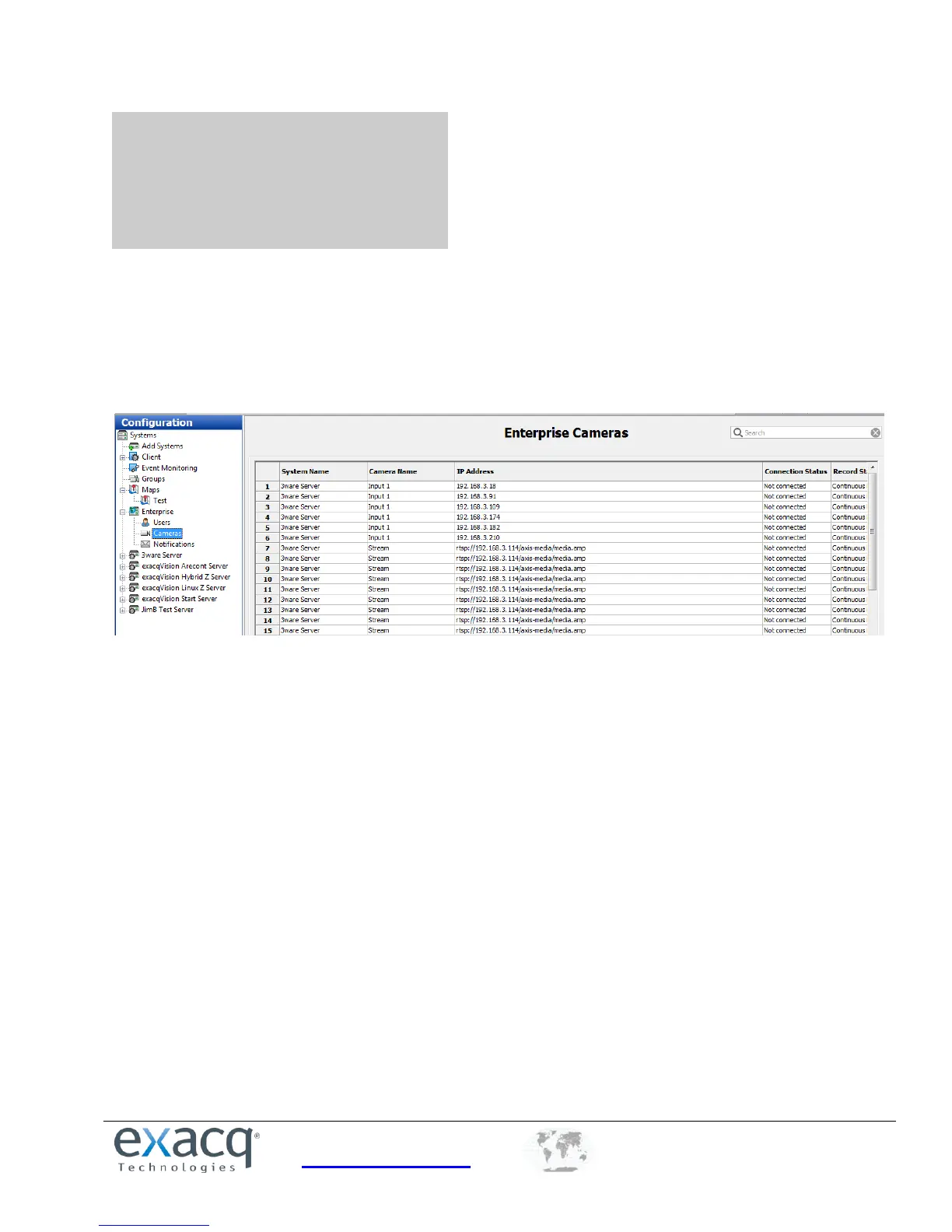
The Enterprise Cameras page under My Enterprise in the Configuration site tree allows you to see expanded information
about all cameras connected to enterprise exacqVision systems listed under Systems.
In addition to viewing camera information, this page allows you to do the following:
Double-click any column in a camera’s listing to view its Camera Settings page.
Right-click in the Record Status column to activate exacqReplay on the selected camera. See the “exacqReplay”
section of this manual for more information.
Sort any column by clicking on the column title.


 To Next Page