+1.317.845.5710
+5255.56080817
+44.1438.310163
USA (Corporate Headquarters)
Mexico
Europe/Middle East/Asia
88
Camera Groups
NOTE: Camera Groups are not available in exacqVision Start.
exacqVision allows you to organize your cameras into groups that allow you to efficiently view the cameras in the order
you choose regardless of how they are listed in the site tree. (See the “Groups” section of this manual for details on
creating camera groups.)
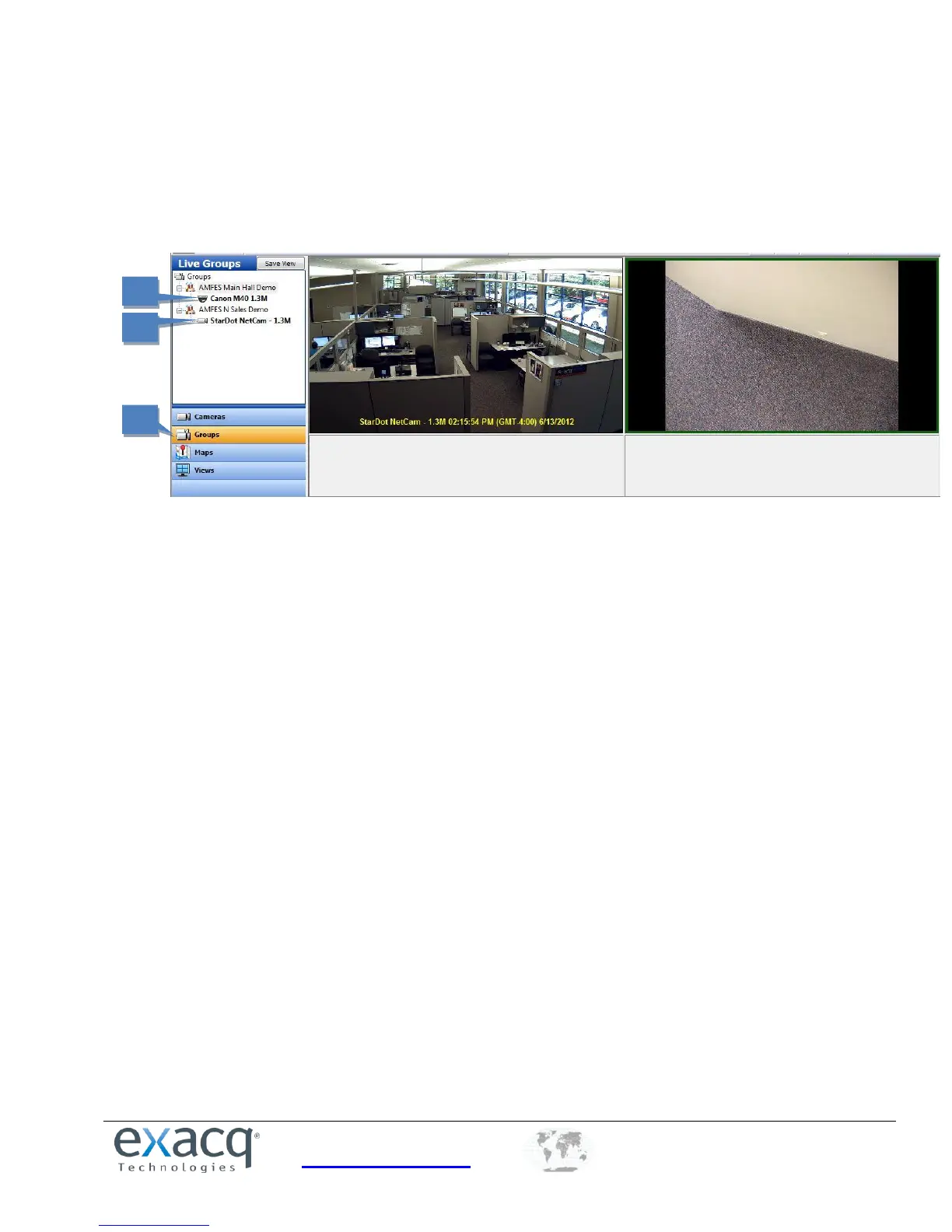
1. To view video from the cameras in the group, click the Groups button in the Navigation Pane.
2. Double-click the first camera in the group to quickly display cameras from the entire group.
3. If the video window layout contains more windows than there are cameras in the group, the first cameras from
the next group in the list are shown in the remaining windows.


 To Next Page