4
General introduction
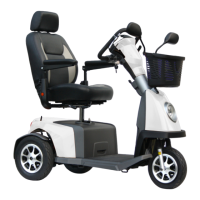
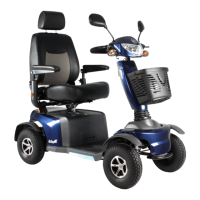
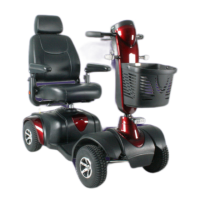
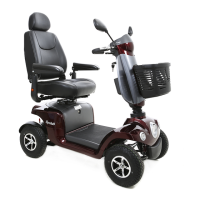
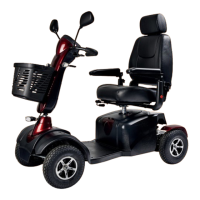
Before using your new Excel Outback, you and any attendant should read and understand this user manual completely.
By reading and understanding this user manual, you also agree to the terms and conditions stated in this user manual.
At this moment you are introduced to a quality product oered by Van Os Medical B.V. We would like to thank you for
your condence in our Excel Mobility ® brand. An Excel Outback is a real quality product. The policy of Van Os Medical
B.V. is focused on continuously developing the quality and reliability of all products in our range. We therefore reserve the
right to make changes to this user manual without prior notice.
It is important that you read this user manual carefully before using your scooter. The user manual contains important
information about the safe use and maintenance of your scooter. We recommend that you keep this user manual for safe
as it is also proof of your warranty.
The safety instructions in this user manual are general instructions that should be regarded as general guidelines.
You may develop your own ways of doing common actions. However, we would advise you to call on an expert for
assistance in developing safe and eective techniques related to your daily activities and your physical capabilities.
Your new scooter needs frequent and scheduled maintenance. You can do much of this maintenance yourself. However,
we would like to recommend that you have your scooter checked by an expert at least once a year. If you do not have
the scooter checked and maintained in time, the warranty will become null and void.
Pay attention!
You will also nd tips and warnings in this user manual. These are clearly recognizable by the symbols used and the
presentation of the text, as shown below.
Warnings
The warnings mentioned in this user manual should always be followed to avoid damage to the Excel Outback or injury
to yourself.
Tips
The tips mentioned in this user guide are intended to help you make even better use of your Excel Outback.


 To Next Page