EXCELL PRECISION CO., LTD.
2-3 Counting Function
2-3-1 Sampling
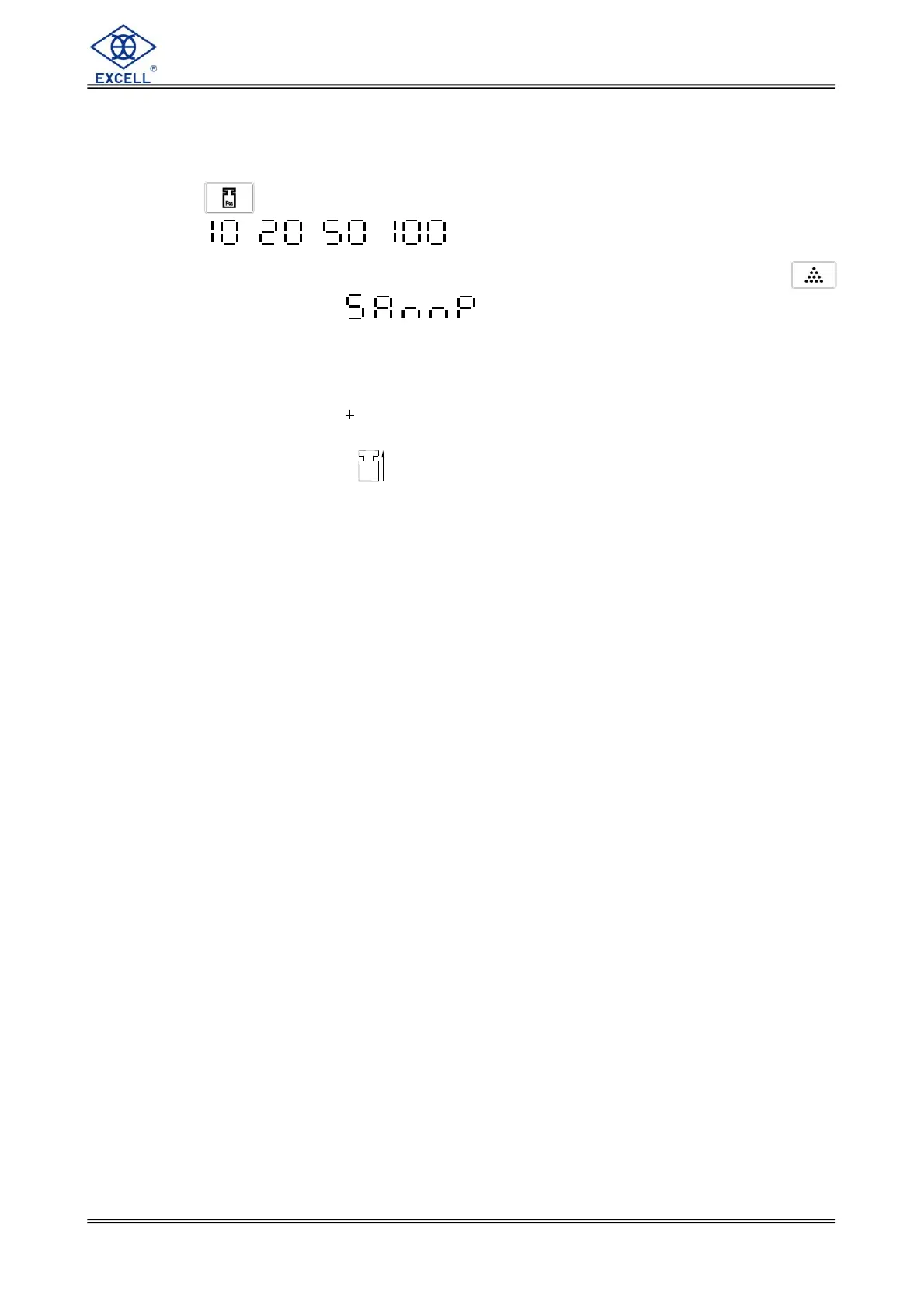
Press key to select sample quantity from 10, 20, 50,100 and the display
shows , , , accordingly.
Select sample quantity and then place samples on the platter, and then press
key, the display shows “ ”.
After stable, the scale enters into counting mode and the display shows sample
quantity.
Sample Too Small ( ) Sample is less than 20 divisions.
Unit Weight Too Small ( ) Unit weight is less than 0.2 division.
(0.1 d for Brazil regulation)
When sampling, the above two symbols indications are on. Under such conditions,
the scale can still work, but may result in lower count precision.
When using 2-segment weighing mode, the above two symbol indications change to
Range 2 and Range 1 and the two symbol indications are off.
2-3-2 Check Weighing
Refer to the operation of check weighing in weighing function.
2-3-3 Totalizing
Refer to the operation of totalizing in weighing function.


 To Next Page
 Loading...