Managing Test Results 20
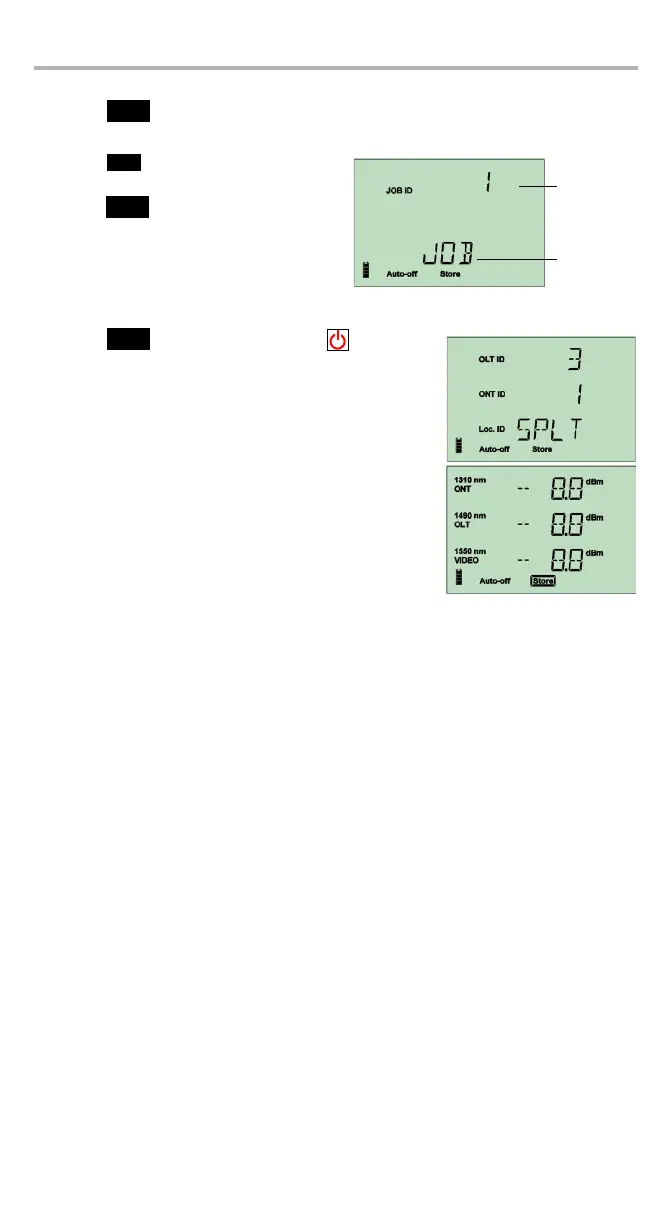
To store data in Job mode:
1. Press to access the data storage menu. The data you have selected is
temporarily stored to allow you to enter further information.
2. Press to access the available Job
ID values.
3. Press to select the job and access
the available Loc. IDs.
4. Press to select the location or to exit the
storage mode.
The data is stored. The Store indicator is highlighted to
show that the operation is complete.



 To Next Page