7
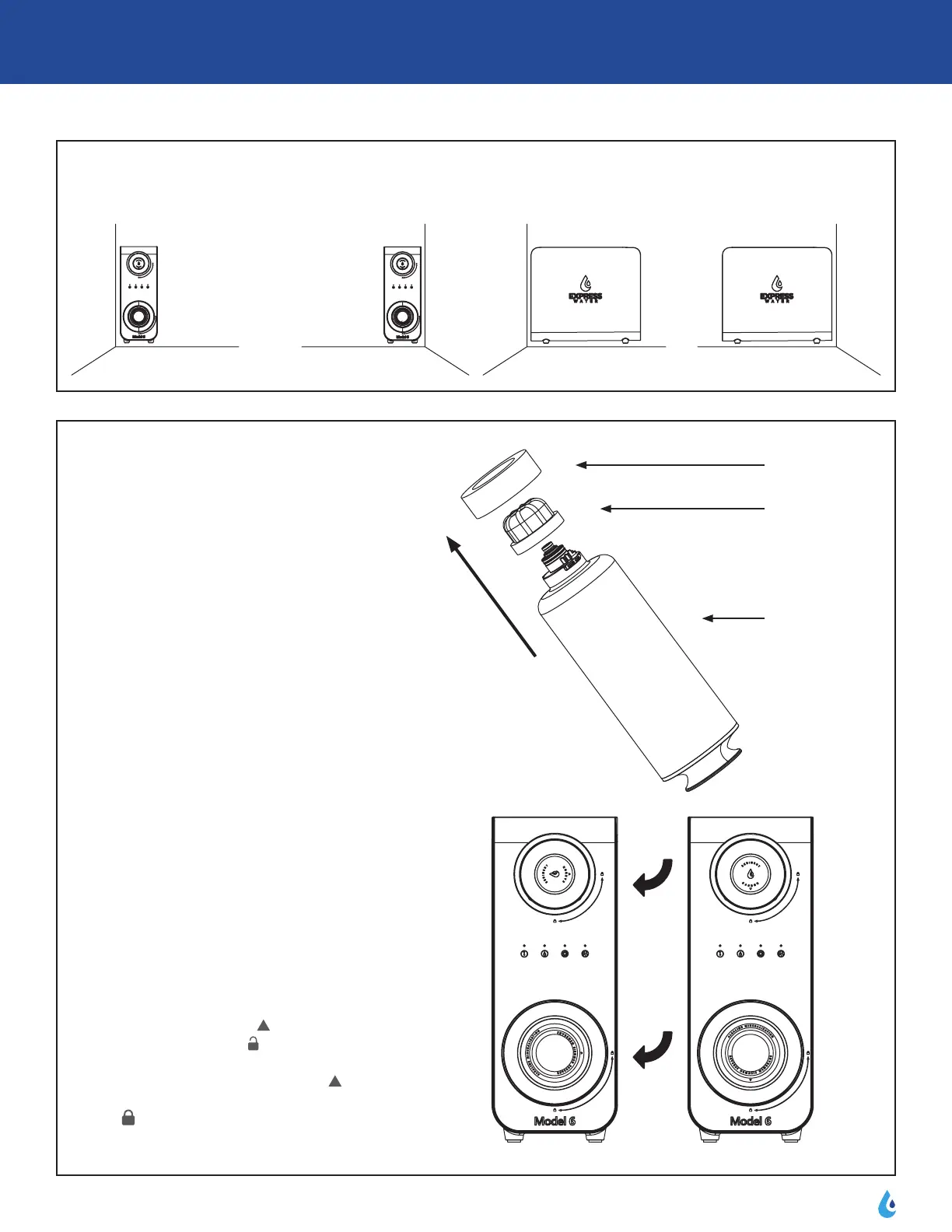
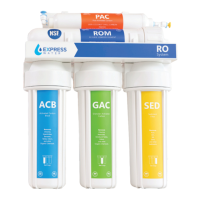
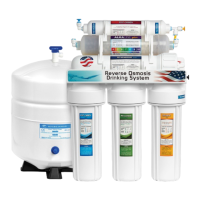
1) Take out lter cartridges
Tearotheshrinklmfromthelter
cartridge, unplug the protection foam and
coverattheupperendoftheSED+CAR
ltercartridgeandROM/ALKlter
cartridge respectively.
2) Install Filter Cartridge
Screwtheltercartridgesintothesystem
respectively in the directions shown in the
image according to their positions in the
system.Makesuretheltersareinserted
completely and that when locking the
lters,they‘click’intoplace.
Installation Method:
Loadtheltercartridgefromthefront
side of the housing. Align icon on top
of cartridge handle with icon on front
panel of housing, then insert and rotate
the cartridge in 90° clockwise. When
icon on top of cartridge handle aligned
with icon on front panel of housing,
the cartridge installation is completed.
3.4 Installation of machine
Thexeddirectionofsystemmachineisselectedaccordingtothepositionofthewholemachine,asshownbelow.
Foam
Cover
Filter
Unlock Lock
3.5 Installation of lter cartridge



 To Next Page