19
EX-61001 English
© Copyright 2023 by EXSYS Vertriebs GmbH. All rights reserved
4. Hardware Installation
Please observe the following installation instructions. Since there are major differences between
PCs, we can only give you general instructions for connecting the EX-61001. If anything is unclear,
please refer to the operating instructions of your computer system.
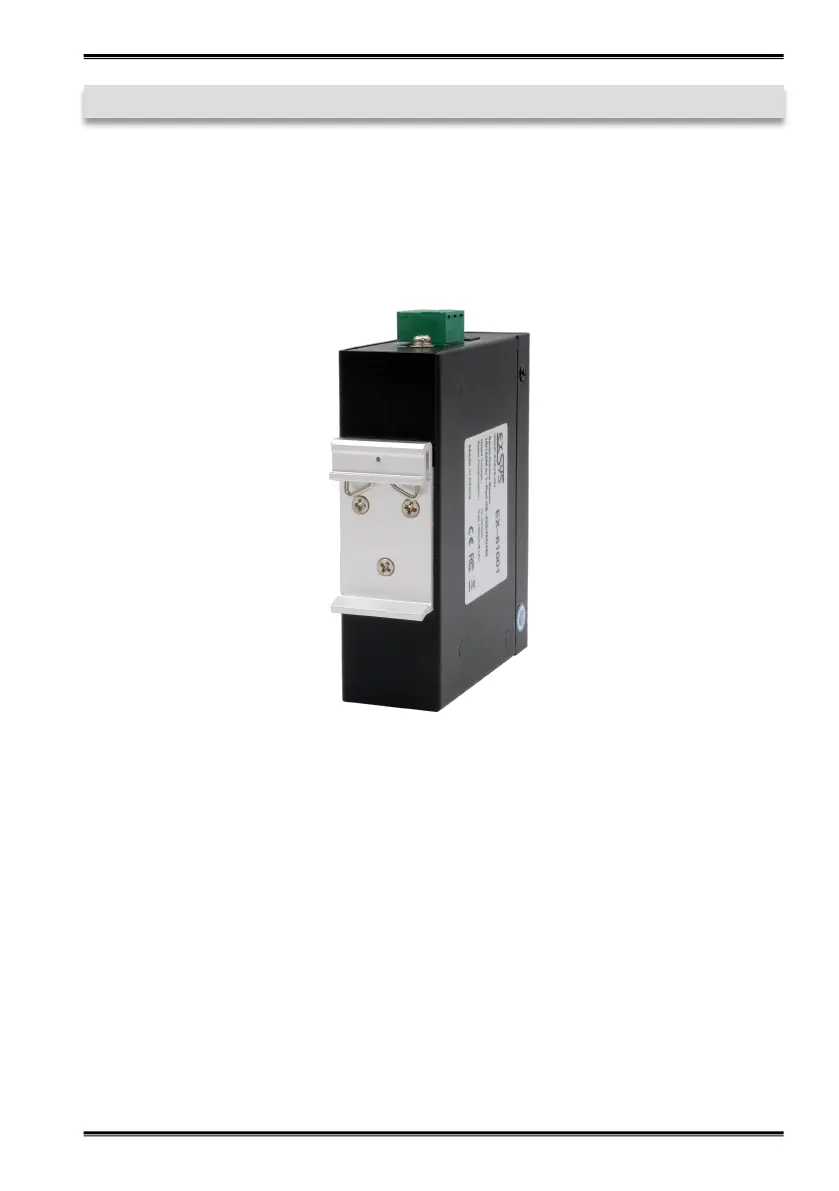
1. Install the EX-61001 on a 35 mm DIN-Rail.
2. Connect your serial devices to the device server. A DB9 connector is available for RS-232 and
a terminal block for RS-422/485.
3. Connect the EX-61001 to your network using an RJ45 Ethernet CAT.5/6 patch cable.
4. Now connect the 12V power supply included in the scope of delivery to the 12V socket
provided for this purpose on the EX-61001. Alternatively, you can connect the EX-61001
device server to an existing DIN-Rail power supply unit 12-48 VDC via the terminal block.
5. The LED display shows the status of the device server (see page 17).


 To Next Page