CALIBRATION PROCEDURES
49
CHAPTER 13 :
OPTIONS
13.1 Introduction
This
section
contains a list and descriptions of available factory installed options at the
time of this printing. The list of options contains an option code number that can be
referenced on the rear panel of the unit.
13.2 Option Label
On the rear panel of the instrument you will find a label that contains the option code.
For example your options code would appear as follows:
fitted with option 01 .............................................................. OPT: 01
fitted with option 01 and 02.................................................... OPT: 0102
7611 Options
Option List
01
RS232 Interface
This option may be substituted for the standard GPIB interface. This option
provides all of the command control of the GPIB interface with the exception of the
SRQ commands. All commands can be found in the GPIB portion of the Operation
section of this manual.
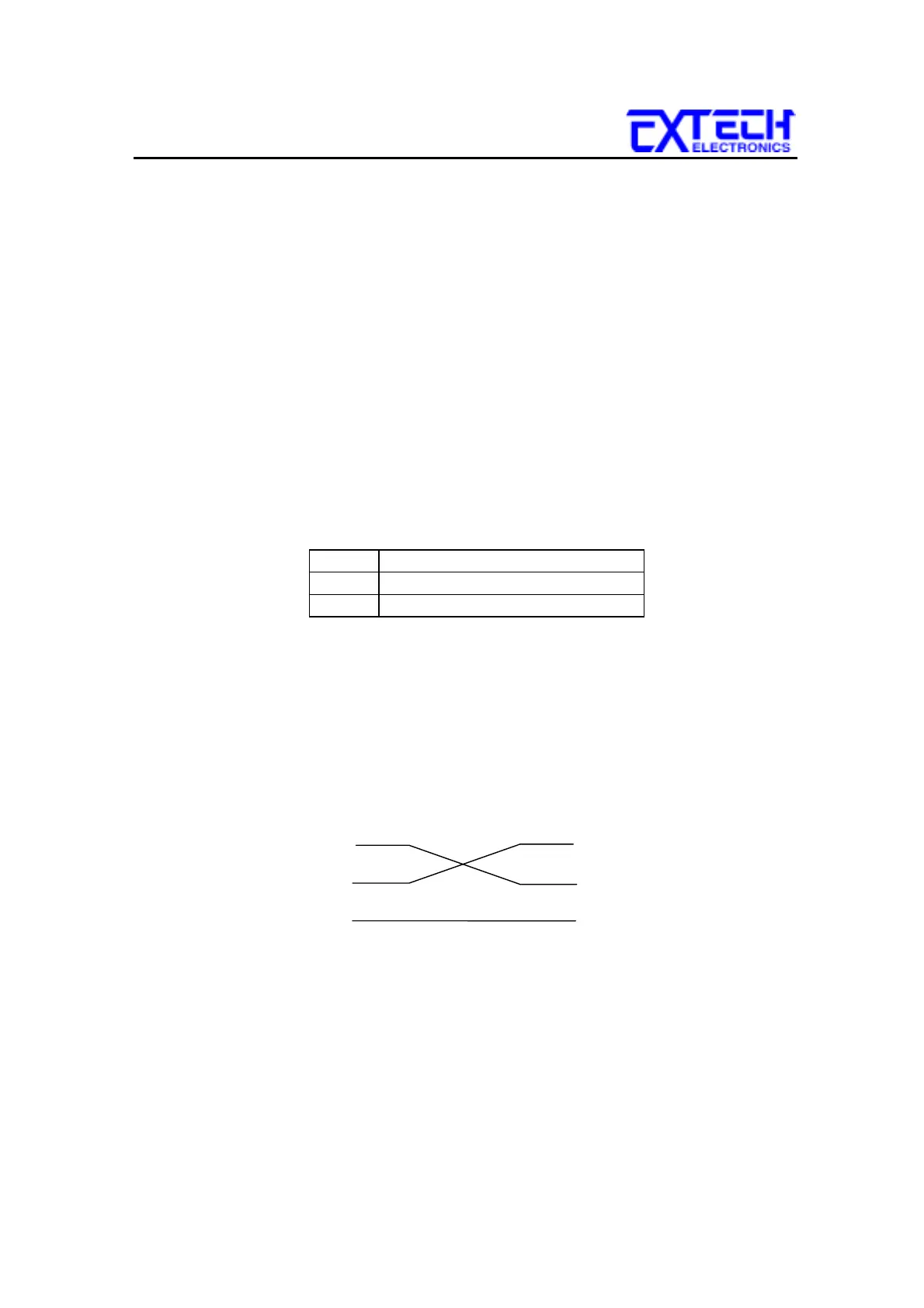
The RS232 cabling should be configured as follows for a 9 pin serial port interface:
The COM port should have the following configuration. 9600 baud, 8 data bits, 1
stop bit, no parity. This interface does not support XON/XOFF protocol or any
hardware handshaking. The controller should be configured to ignore the
handshaking lines DTR (pin 4), DSR (pin 6) CTS (pin 8) and RTS (pin 7). If the
port can not be configured through software to ignore the lines then the handshake
lines should be jumpered together in two different sets. Pins 4 and 6 jumpered
together and pins 7 and 8 jumpered together at the controller end of the cable.
Code
Description
01 RS232 Interface
02 TBD
7611 PC / Bus Controller
2
3
5
2
3
5
TD
RD
TD
RD
SIG
GND
SIG
GND



 To Next Page