SYSTEM PARAMETER SETUP
30
CHAPTER 8 : System Parameter Setup
Use the SETUP key to progress through the menu of System Parameters. Successive key
presses will advance the menu forward. The sequential forward menu items are PLC
Remote, Contrast, Volume, Address, Fail Stop, Single Step, and Memory Lock.
The setting of system parameters affect the operating conditions of the instrument and are
separate from the functional settings. The system settings are also global and are not
specific to any memory location.
8.1 PLC Remote
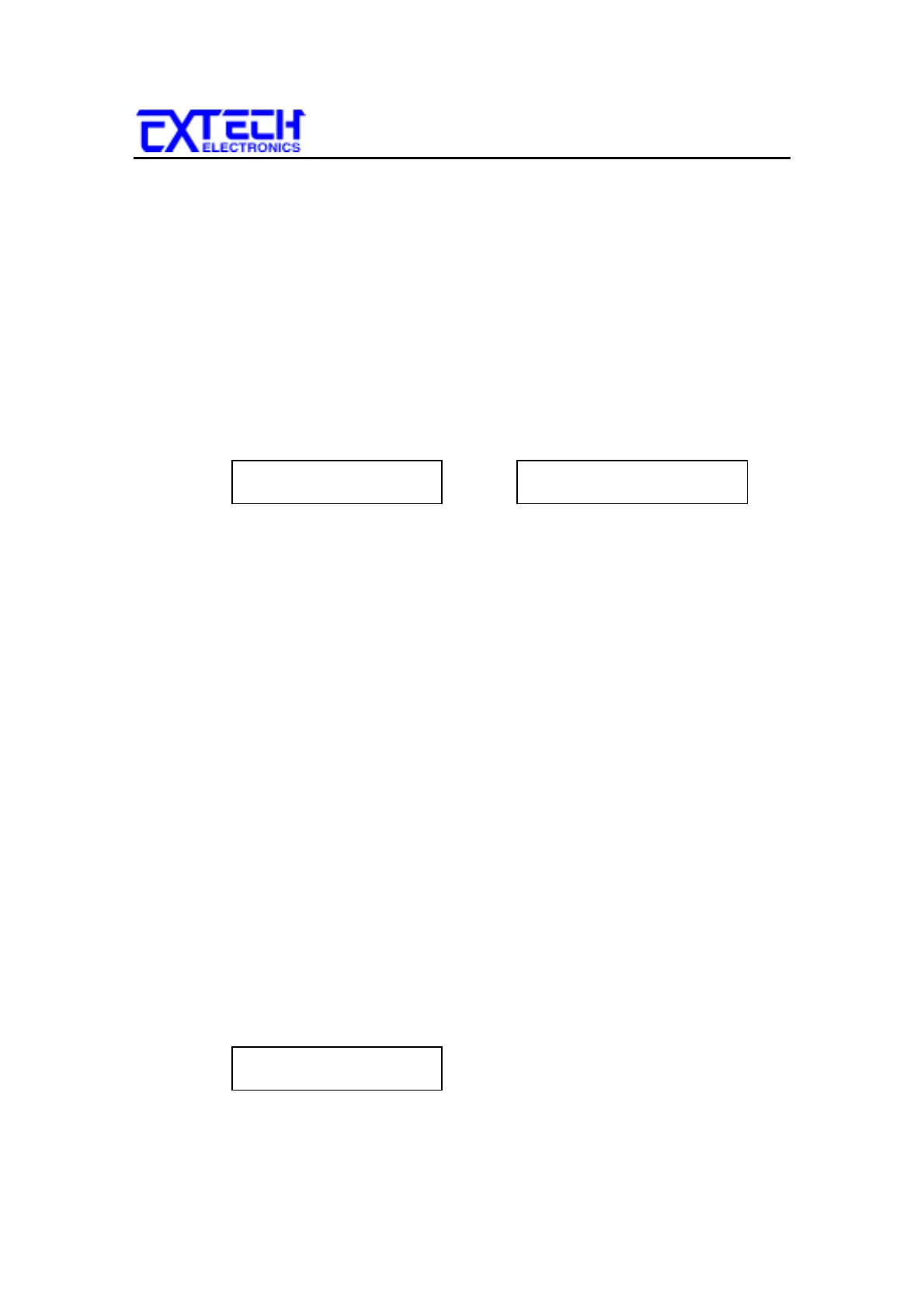
Press the SETUP key to advance to the PLC Remote parameter. The display will
show:
PLC Remote = ON
ENTER to select
or PLC Remote = OFF
ENTER to select
Use the ENTER key to select the PLC Remote Control mode.
After selecting PLC Remote mode, press the SETUP key to advance to the address
setting if the GPIB interface card is installed on this instrument. If this instrument
does not have the GPIB interface card, the program will advance to the contrast
setting, or press the EXIT key to exit from the PLC Remote selection to the
operation mode. The instrument will store the selection of PLC Remote
automatically.
If the Remote Control is set to ON, the test function will be controlled by the
Remote Control via the remote connectors located on the rear panel. The TEST
button on the front panel is disabled but the RESET button is still enabled.
The remote Memory Program recall functions can be performed only when the PLC
Remote is set ON. In addition, when the PLC remote is set to ON the remote TEST
signal input is active while in the Bus Remote Mode.
If the Remote Control is set to OFF, the operation of the instrument will be
controlled by the local TEST and RESET buttons on the front panel.
8.2 LCD Contrast
Press the SETUP key to advance the menu to the Contrast parameter. The display
will show:
Contrast = X
Range 1-9 9=High



 To Next Page