GENERAL SETUP PROCEDURES
20
CHAPTER 5 : QUICK START
This quick start guide assumes the operator has some familiarity with automated testing
and desires to use the
"default"
settings on the instrument. The default settings shown
will remain in memory unless you choose to override them with your own test program.
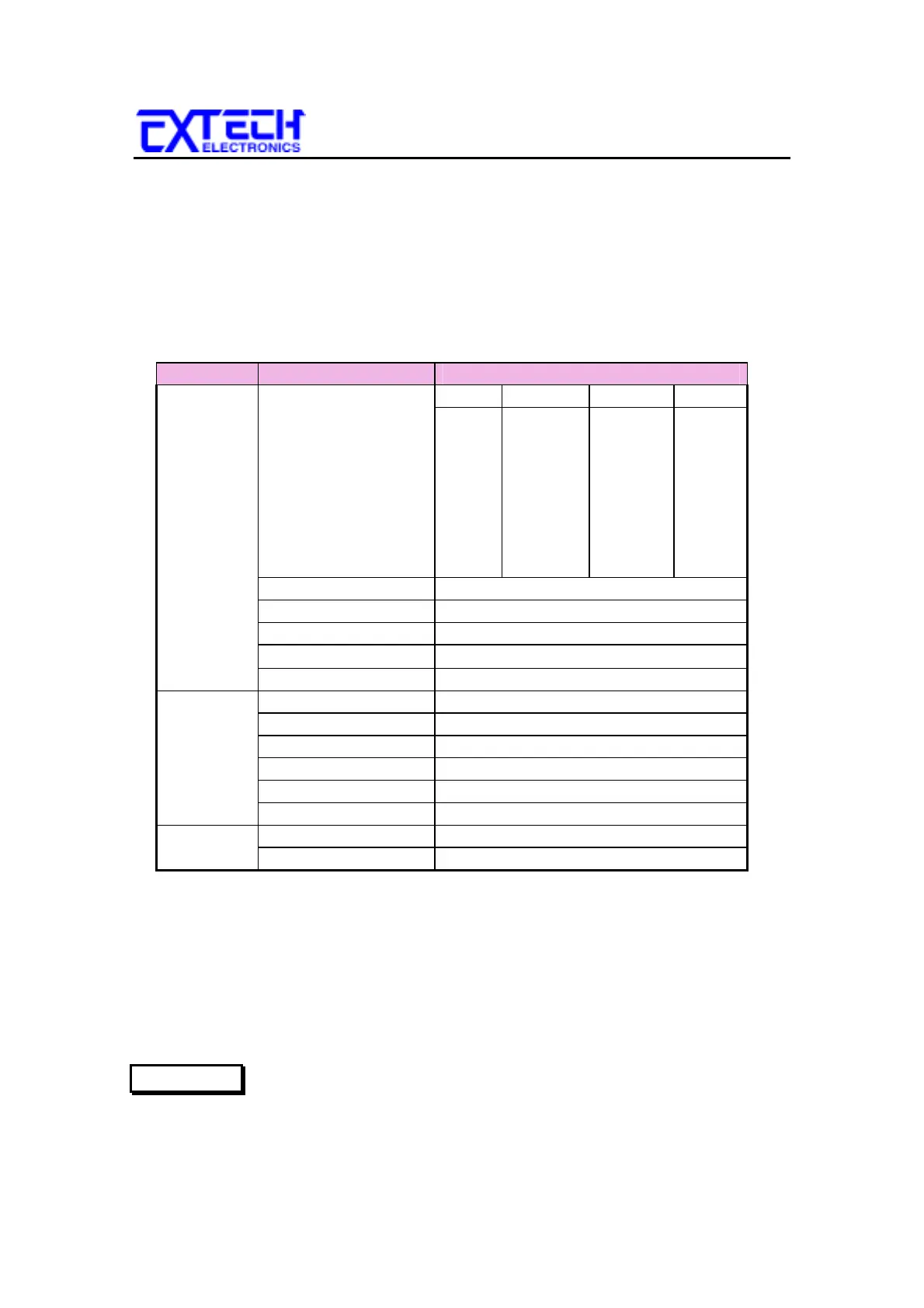
The instrument default settings that appear in memories 1-40 are as follows:
5.1
DEFAULTS
Type Parameter Value
Function Line Step Neutral Reverse Ground
1 Fault Normal Fault
2 Fault Fault Fault
3 Fault Normal Normal
4 Fault Fault Normal
5 Normal Normal Fault
6 Normal Fault Fault
7 Normal Normal Normal
8 Normal Fault Normal
Probe G-L
MD Circuit C (IEC 601)
Connect Step 1-7 = ON; Step 8 = OFF
Trip
0
µ
A
Delay 1.0s
Setup PLC Remote OFF
Contrast 5
Volume 5
Address (GPIB only) 5
Fail Stop ON
Single Step OFF
Calibration Password 0
Memory Lock ON
5.2 QUICK START INSTRUCTIONS CONT. :
5.2.1
Unpack the instrument from its special shipping container. Be sure to save all
packaging materials in case you need to return it to the factory for service.
5.2.2
Locate a suitable testing area and be sure you have read all safety instructions for
the operation of the instrument and suggestions on the test area set-up
in the Safety section. Locate a three prong grounded outlet. Be sure
the outlet has been tested for proper wiring before connecting the
instrument to it.
WARNING



 To Next Page