22
The information contained within this document is confidential and cannot be reproduced
without the approval of Extollo Communications.
Step 2:
1. Connect one end of the Ethernet cable to the digital device you want to network (i.e. PC,
TV, gaming console etc.).
2. Connected the other end of the Ethernet cable to the LANSocket 1500 adapter.
3. Plug the LANSocket 1500 adapter into the power outlet.
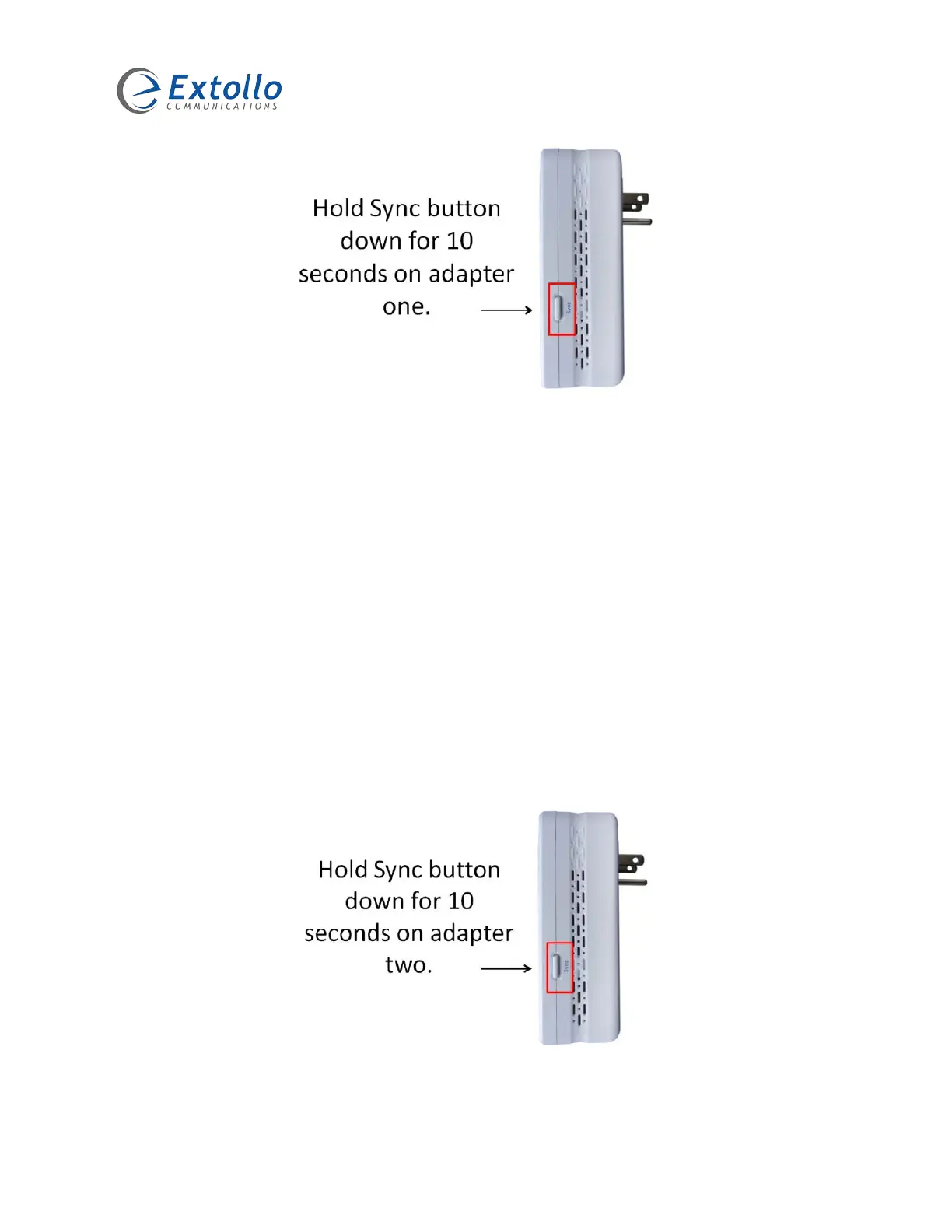
4. Press and hold the Sync button on the second LANSocket 1500 adapter for no more than
10 seconds - release after 10 seconds. Once released, the PWR LED will flash then go
solid. The default NMK on the adapter has just been erased and a random NMK has been
generated.
5. Currently the two LANSocket 1500 adapters are not networked together. Adapters one
and two do not share a common NMK and cannot form a Powerline network.
6. Proceed to step 3.


 To Next Page