4 - 4 Page Date: 20. April 2002
Section 4
Normal Procedures
Pilot´s Operating Handbook
EXTRA 200
4.1 PREFLIGHT INSPECTION
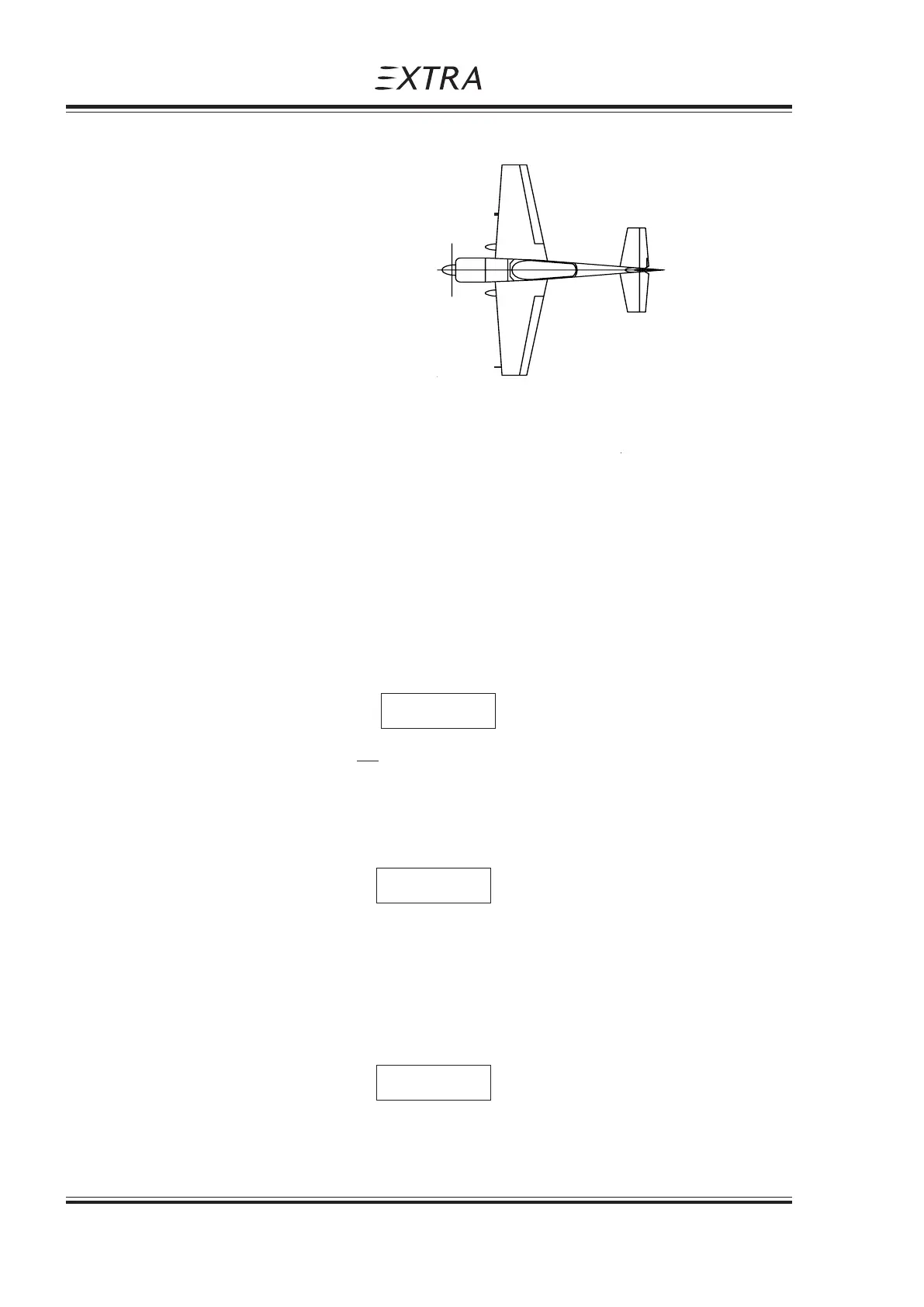
4.1.1 EXTERIOR INSPECTION ILLUSTRATION
4.1.2 GENERAL
Visually check airplane for general condition during walk around inspection. Perform exterior
check as outlined in the picture above in counterclockwise direction.
4.2 CHECKLIST PROCEDURES
1) Cockpit
1. Pilot's Operating Handbook (AVAILABLE)
2. Airplane weight and balance CHECKED
3. Ignition switch OFF
4. Master switch ON
5. Fuel quantity indicators CHECK
6. Master switch OFF
7. Fuel selector * "ACRO & CENTER"
Although safe operation did not require the use of the tanks in a specific sequence, it is
recommended to set fuel selector to "ACRO & CENTER" Tank position!
8. Pitot-Static-Drain CHECK FOR WATER
ACCUMULATIONS
If water exists, drain by removing the plug. Reinstall plug.
9. "Acro & Center" Tank CHECK
FOR LEAKAGE
Pay attention for fuel accumulations between alu-tank and GRP-cover. (This is indicated by
a blue color)
3
2
1
5
4
NOTE *
NOTE
NOTE



 To Next Page