Facina_VKPCCTV_Instructions_Rev01
17
Setting the camera in PIR Mode:
• Slide the switch to the TEST position from OFF.
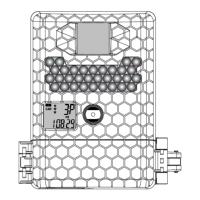
• The status display will show the camera’s current status.
• Press [M] button once to call out the program menu and
the word PIR or TLS will be blinking.
• Press [UP] or [DN] button to select PIR mode.
• Press [M] to save your selection, the display shows PIR,
and CAM AES or VIDEO T in blinking.
• Press and hold the [M] button 2 seconds to exit, and
display will show the camera status with word PIR.
•
Now, camera will operate at PIR Detection Mode if you
slide the switch to CAM position.


 To Next Page