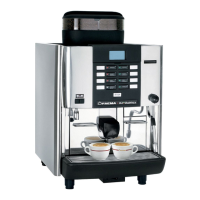
3
11
1 2
3
19 EN
English
14. Beverage dispensing - Hot water
Place the appropriate container under the hot water dispenser (3). If
necessary, adjust the height of the dispensing nozzle by pulling towards
the basin (11).
Press a hot water dispensing icon
.
The programmed dose of hot water will be dispensed from the nozzle
(3); it will stop automatically.
Note: dispensing can be interrupted by pressing the
key.
Pressing the
key does not change the programmed parameters.
NOTE
The hot water icons can be personalised with a label for
easier identication. E.g.:
For activation methods, refer to the CUSTOMER PROGRAMMING/
CUSTOMISATION/WATER/STEAM SETTINGS” section.
NOTE: the customisation
and programming menus can only be
seen if the "Customer Programming" item is enabled in the machine
conguration menu, which can only be accessed by the installer technician.
02_QUICK_UNICO_1815_USA_en_fr.indd 19 11/04/2018 11:24:47



 To Next Page