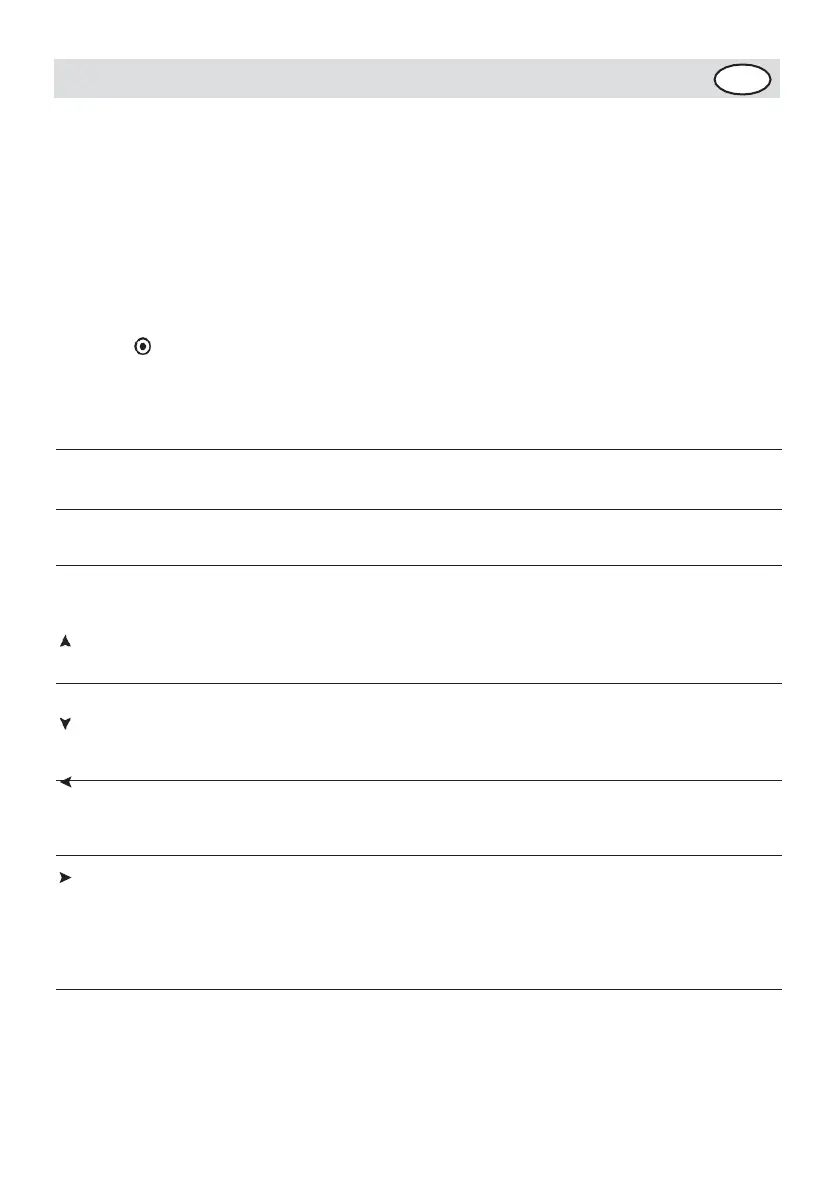
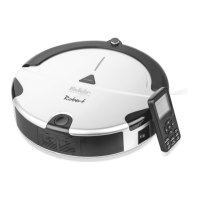
Function Guide Function Information
1.Turn on the power switch of the machine.
When the display’s function is in the normal
status, press this key to start or shut down
the machine.
2.When the machine is running, press this key in
various modes to
Shutdown/Cancel/S
top
OK key
FULL GO
CHARGE
Forward key
Backward key
Turn left key
Turn right key
stop the operation in the corresponding mode.
3.In the timing cleaning, week and time setup,
if the setting is incorrect or you want to
stop setup, press this key to delete the
setting and return to the original status.
4.Press this key for above 5s, delete all
settings and memory, and return to the factory
setup status.
After finish the setting , press the OK key to
save the setting
After the battery is charged fully, the
machine will perform cleaning automatically
and repeatedly.
While the Cleaner is in the Standby mode or
running, the cleaner will search docking station
for charging after you press the key. While the
cleaner stops running, the cleaner will stop
recharging after you press the key again.
Press “Forward”, the Cleaner will run forward
cleaning as the arrow, press “Off” to stop. It
will stop automatically in case of the
obstacle.
Press “Backward” for long, the cleaner will
run backward cleaning as the arrow, and it
will stop after you release the key.
Press “Turn left” for long, the cleaner will
turn counterclockwise and while you release
the key, it will run forward as you expect-
ed. Press “Off” to stop the cleaner. It will
stop automatically in case of the obstacle.
Press “Turn right” for long, the cleaner
will turn clockwise and while you release
the key, it will run forward as you
expected. Press “Off” to stop the cleaner. It
will stop automatical- ly in case of the
obstacle.


 To Next Page