6
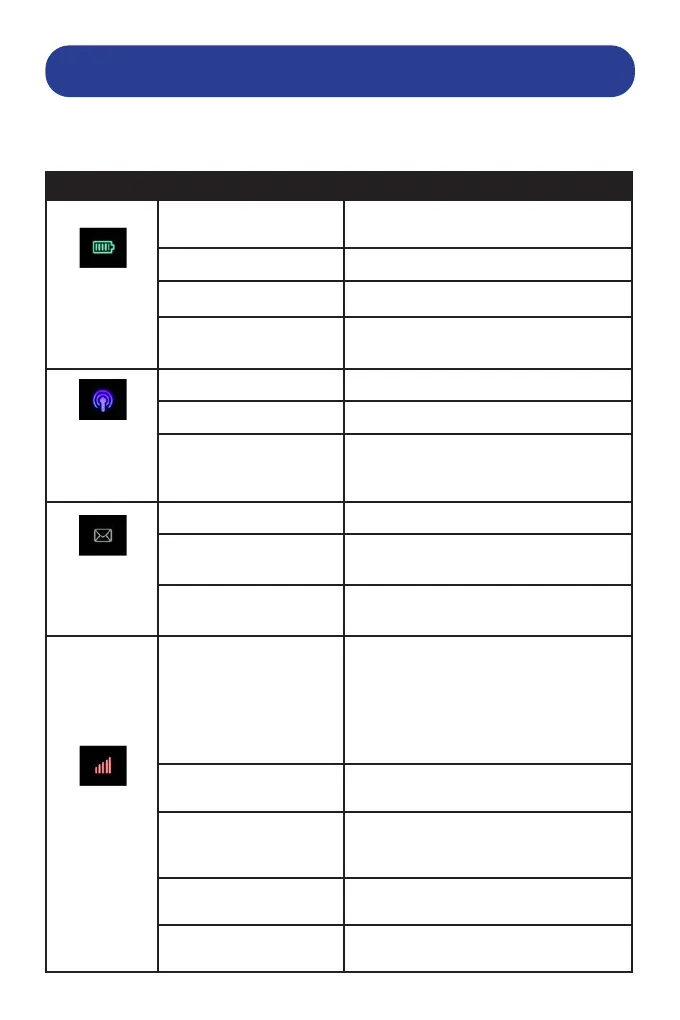
ICON DESCRIPTION
Indicator Status Description
Battery
Red solid / blinking The battery is low. Please charge the
battery.
Green blinking The battery is being charged.
Green solid The battery level is high to full.
Light o Your device is powered o and not being
charged
Wi-Fi
Blue Solid Wi-Fi is active
Blue Blinking WPS active
Light o Wi-Fi is o
SMS
Blue Solid You have unread messages
Blue blinking You have new messages or the message
storage is full.
Light o There is neither an unread message nor
a new message.
Network
Red The device is in error status.
• The device is not registered to the
mobile network.
• There is no Micro-SIM card inserted
• There is no network service
available.
Green solid The device is registered to the 2G/3G
mobile network.
Green blinking The device is connected to the 2G/3G
mobile network and data is being
transferred.
Blue solid The device is registered to the 4G LTE
network.
Blue blinking The device is connected to the 4G LTE
network and data is being transferred.
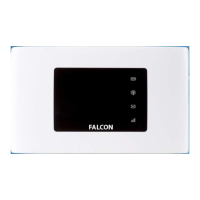
Below shows the LED indicators on your router and explanation of the LED
light behaviours.


 To Next Page