8
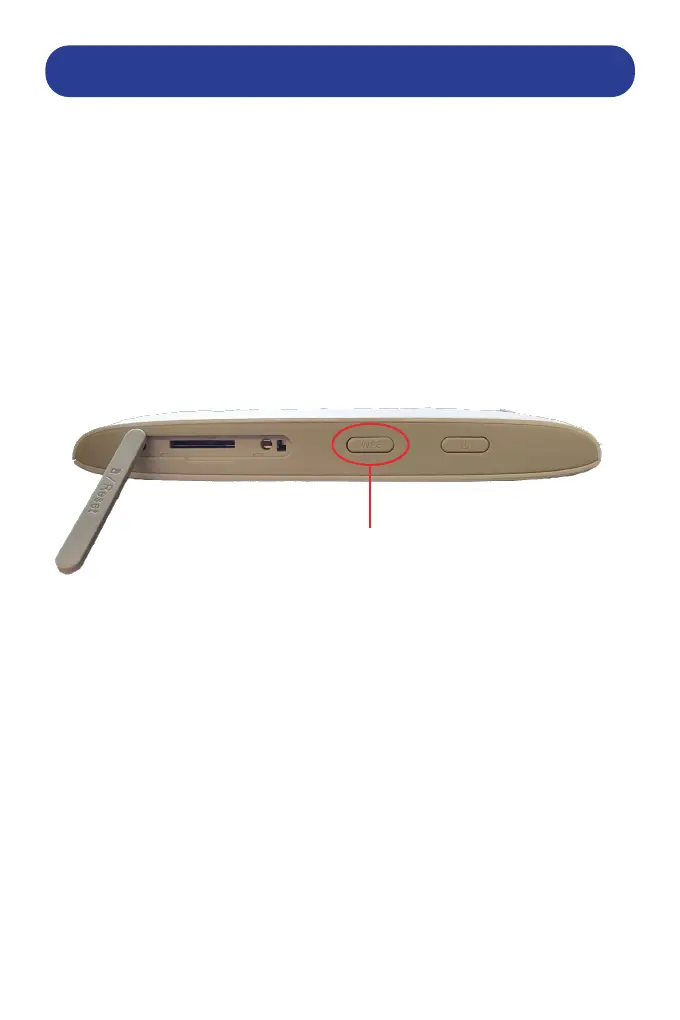
CONNECTING DEVICES VIA WPS
Connect wireless WPS compatible devices:
This allows you to connect to WPS capable devices without having to
enter a wi password.
1. Ensure that the WPS capable device is turned on and functioning
properly.
2. Press the WPS button on the connecting device and hold for two
seconds.
3. On the Router, press the WPS button. ...
Wait a few moments for the connection to complete
WPS BUTTON


 To Next Page