EasyManua.ls Logo

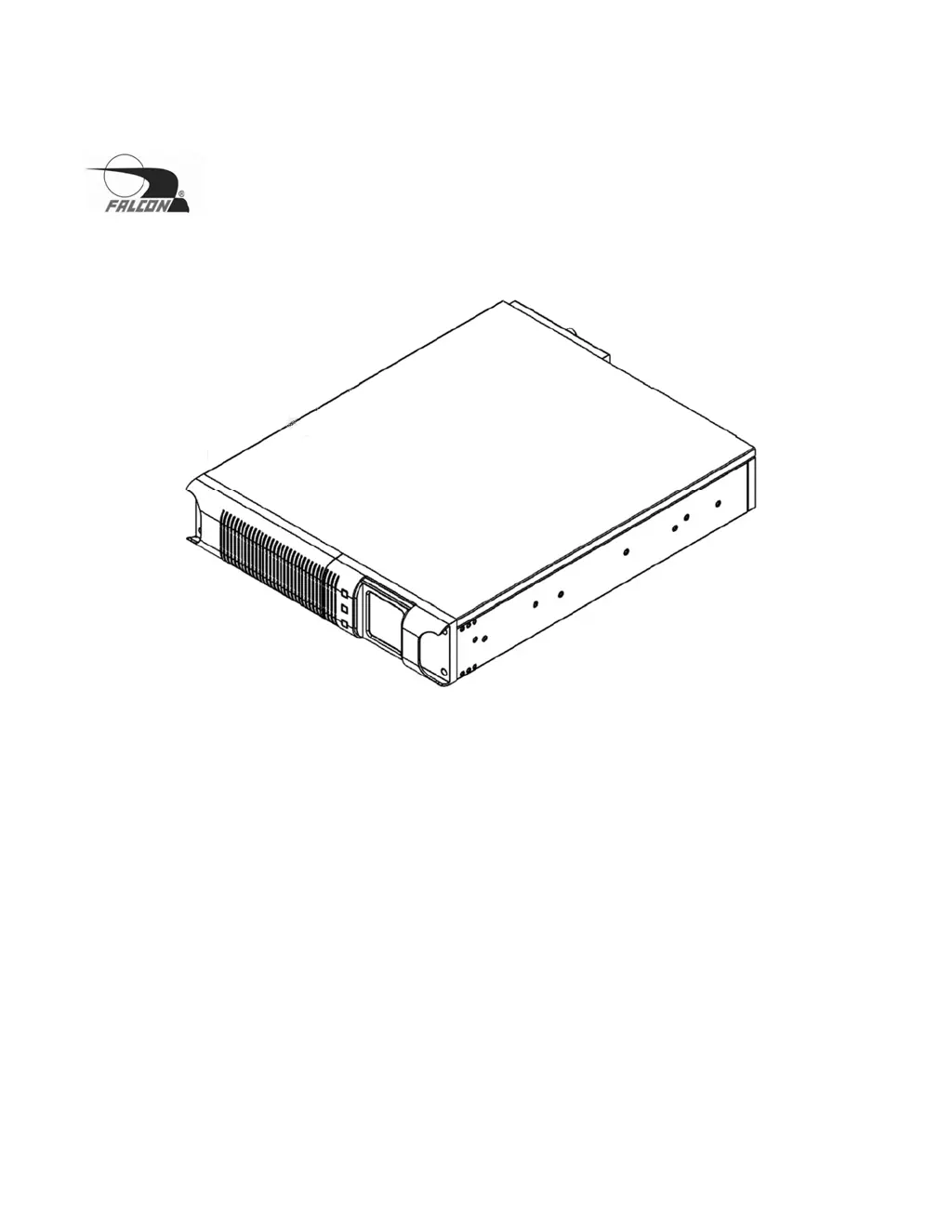
Falcon SSG1.5KRM-2 - User Manual

Falcon SSG1.5KRM-2
48 pages
Print Icon
To Next Page IconTo Next Page
Loading...
© 2020 Falcon® Electric, Inc. All rights reserved. Falcon® and the Falcon Electric logo are registered trademarks of Falcon Electric, Inc.
All other brand names and trademarks are the property of their respective owners. The information and specifications stated in this document
are subject to change without notice. OM480060 Rev. C, 7-2020
SSG Industrial Wide-temperature UPS
Installation & User Manual
1.5kVA to 3kVA
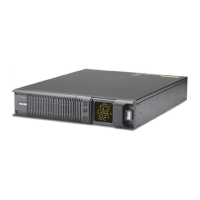
SSG1.5KRM-1
SSG1.5KRM-2
SSG2.2KRM-1
SSG2.2KRM-2
SSG2.2KRM-1-HW
SSG2.2KRM-2-HW
SSG3KRM-1
SSG3KRM-2
SSG3KRM-1-HW
SSG3KRM-2-HW

Other manuals for Falcon SSG1.5KRM-2

Questions and Answers

  • N
    Nicole HuffSep 4, 2025
    What does it mean when my Falcon UPS beeps 3 times?
    • S
      Shawn NguyenSep 4, 2025
      If your Falcon UPS is beeping three times continuously, it indicates that the utility voltage is out of range. The UPS is operating in battery mode, so you should check the utility power supply.
  • K
    Karina AdkinsSep 18, 2025
    What to do, if I see CPU error on Falcon UPS?
    • M
      michellesanchezSep 18, 2025
      If CPU detects error due to excessive load variation or severe utility power surge, disconnect load from UPS output and restart UPS. If error persists, contact Falcon Electric Service Department.
  • J
    James MarquezSep 16, 2025
    What does 7 short beeps and 3 long beeps mean on a Falcon UPS?
    • R
      Robin AndersonSep 16, 2025
      If your Falcon UPS beeps seven times followed by three long beeps every five seconds, it indicates that the battery is low after a utility loss. Save your data, turn off the equipment, and wait for utility power to return.
  • W
    Whitney LeeSep 14, 2025
    Why is the battery backup time so short on my Falcon UPS?
    • G
      Gabriel SanchezSep 14, 2025
      If your Falcon UPS exhibits short battery backup time, it could be due to a weak battery. Perform a battery self-test. If the self-test fails, replace the battery pack.
  • A
    Anthony WalkerSep 13, 2025
    What does it mean when my Falcon UPS beeps 6 times?
    • B
      Benjamin MartinezSep 13, 2025
      If your Falcon UPS is beeping six times continuously, it indicates that the PFC over current protection has been activated. Verify that the input AC voltage is not too low and remove some of the load from the UPS output.
  • L
    leonardmelissaSep 12, 2025
    Why is my Falcon UPS beeping once every few seconds?
    • C
      Christopher PerrySep 12, 2025
      If your Falcon UPS is beeping once every few seconds, this could be due to an output overload, charger failure, or a general UPS alarm. Check the LCD display and remove some of the load connected to the UPS.
  • R
    richardsoncourtneySep 9, 2025
    What to do if Falcon UPS will not provide power to the load?
    • A
      Alex JamesSep 9, 2025
      If your Falcon UPS will not provide power to the load, check the output fuses and the connected cable. Ensure the load does not exceed the maximum rating of the UPS.
  • C
    Chris DorseySep 7, 2025
    Why is my Falcon UPS beeping 5 times?
    • C
      Crystal MillsSep 7, 2025
      If the Falcon UPS is beeping five times continuously, it indicates an internal over-temperature issue or a cooling fan failure. Check the air vents for any blockages, verify the fan's operation, and check the ambient room temperature.
  • D
    david75Sep 5, 2025
    What does 4 beeps mean on a Falcon UPS?
    • G
      Garrett PhillipsSep 5, 2025
      If your Falcon UPS is beeping four times continuously, it means that the utility frequency is out of range. As a result, the UPS is in battery mode. Check the utility power frequency.
  • T
    Timothy MorganAug 20, 2025
    What to do if Falcon UPS beeps continuously?
    • M
      Melissa RichardsonAug 21, 2025
      If your Falcon UPS emits one long beep every few seconds, this indicates an output overload, charger failure, or a general UPS alarm. Check the LCD display and remove some load from the UPS.

Falcon SSG1.5KRM-2 Specifications

General IconGeneral
ModelSSG1.5KRM-2
Power Rating1500VA / 1350W
Output Power Factor0.9
Frequency50/60 Hz
Operating Temperature0°C to 40°C
Humidity0-95% non-condensing
Input Voltage120V
Output Voltage120V
Outlets6
Form FactorTower
Transfer Time4ms typical
Efficiency>90%
Communication InterfaceUSB, RS-232
Storage Temperature-15°C to 45°C
CoolingFan
Battery TypeValve-regulated lead-acid (VRLA)

Related product manuals