EasyManua.ls Logo

Fancom 747 - Page 12

Fancom 747
49 pages
Print Icon
To Next Page IconTo Next Page
To Previous Page IconTo Previous Page
Loading...
Fancom 747 4. Operation
7
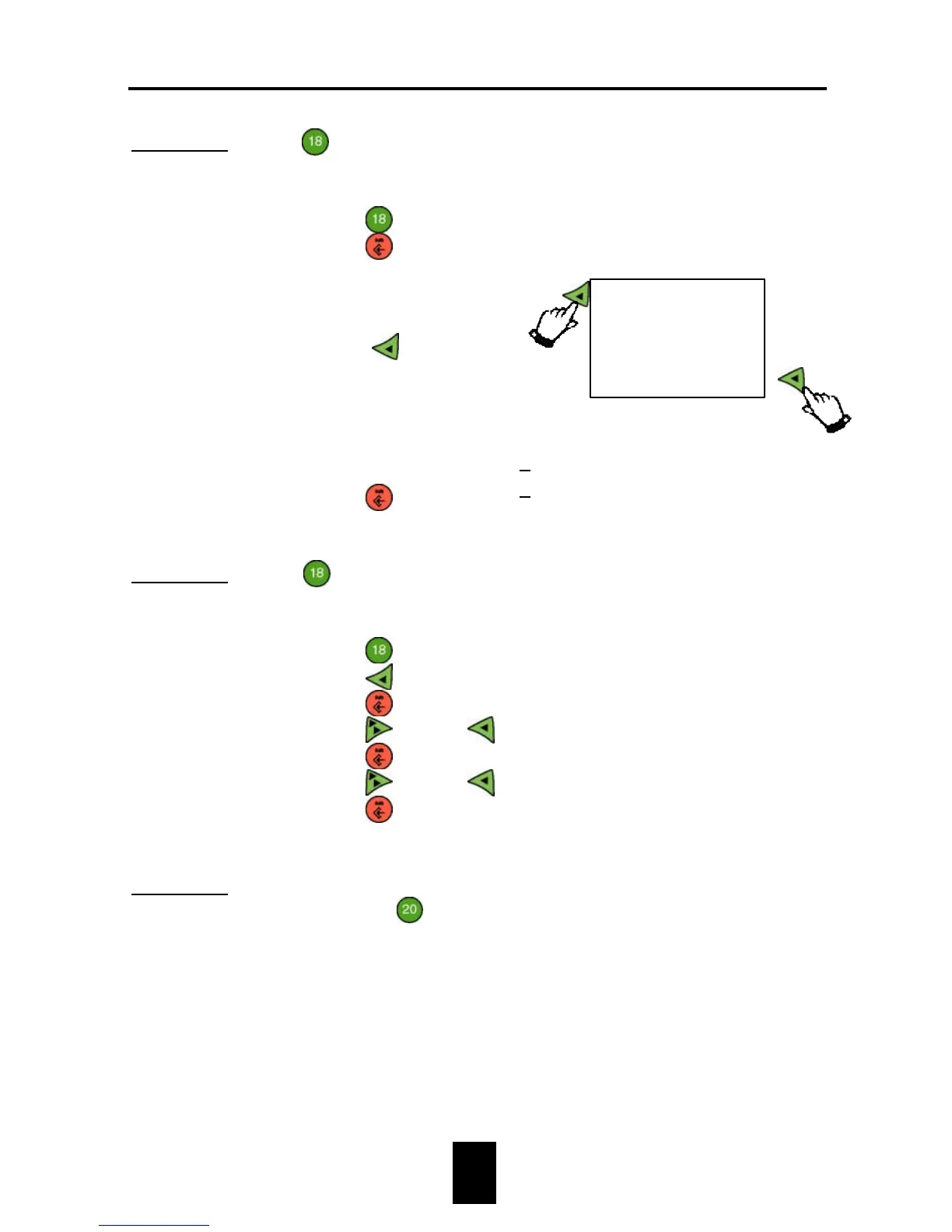
Example 1: At
Acceptation settings change the way of measuring
from ON-OFF into STEP.ON.
1. Press
.
2. Press
.
3. Select way of
measuring from the
table
(Press
2×).
4. Press
.
Way of meas. ON-OFF
Way of meas. ON-OFF
Way of meas. STEP.ON
Example 2: At
Acceptation settings change the lower and upper
limit percentages from 10% to 25%.
1. Press
.
2. Press
.
3. Press
.
4. Press
1× and
5×.
5. Press
.
6. Press
1× and
5×.
7. Press
.
Lower limit(%) 10
Lower limit(%) 10
Lower limit(%) 25
Upper limit(%) 10
Upper limit(%) 25
Lower limit(%) 25
Example 3: This example shows how to change text, for example, at
function key
Scale description à 1. Scale description
à Scale name.
BLOCK.
ON-OFF
STEP.OFF
STEP.ON