Fancom 747 7. Printing results
27
7.3 Short printer listing
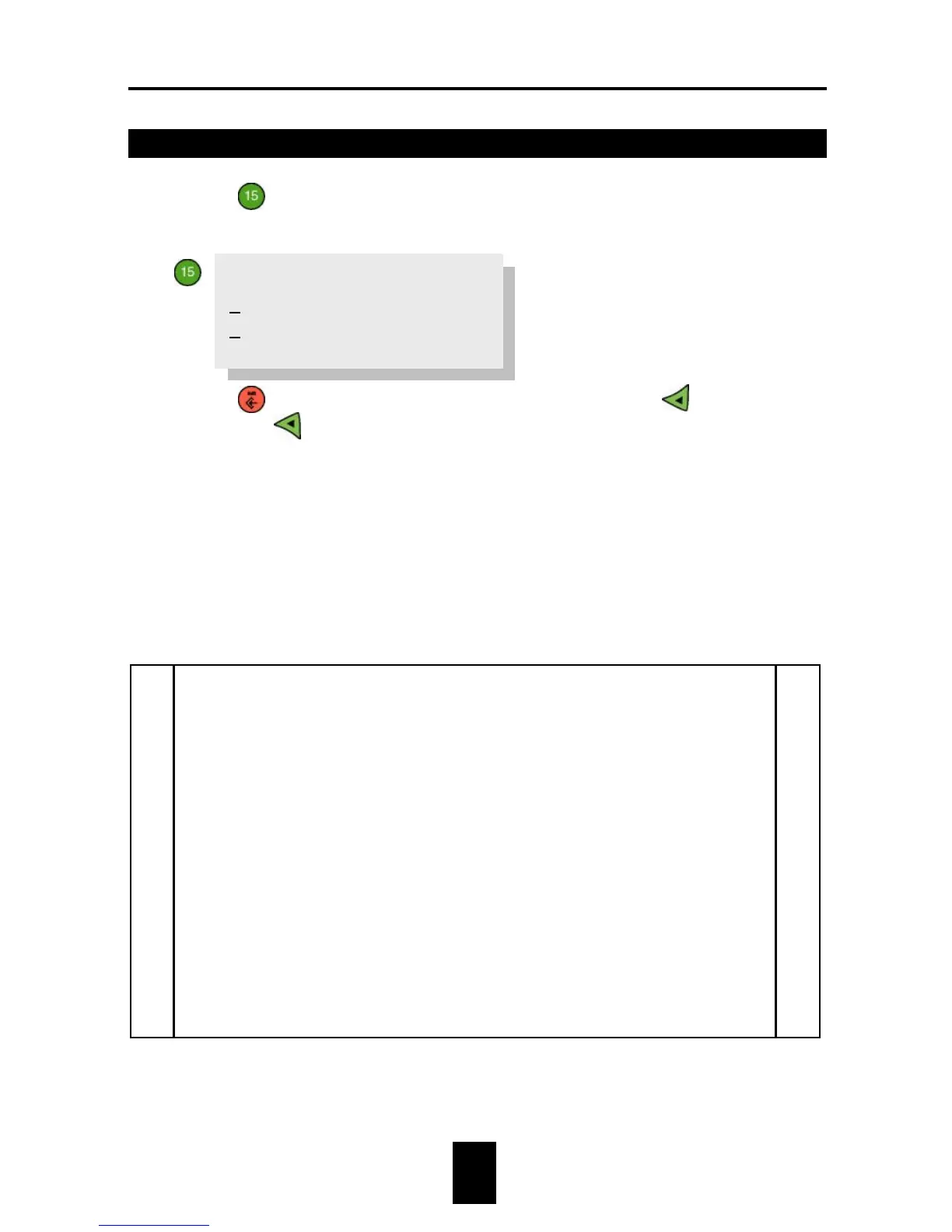
1. Press
Short printer listing.
The following text will appear on the display:
2. Press
then choose between scale overview (
) and house
overview (
).
3. Enter the number of the house or scale for which the results are to be
printed.
4. Enter the number of days for which a short printer listing is required
(e.g. 10 days). If 0 is entered here, the computer will print out all the
data for this house.
5. Set Print? to YES.
An example follows of a house and a scale printer listing.


 To Next Page