Fancom 747 5. Calibrating scales
13
2. Entering the standard weight
+
Ensure there is nothing on the scales
4. Press
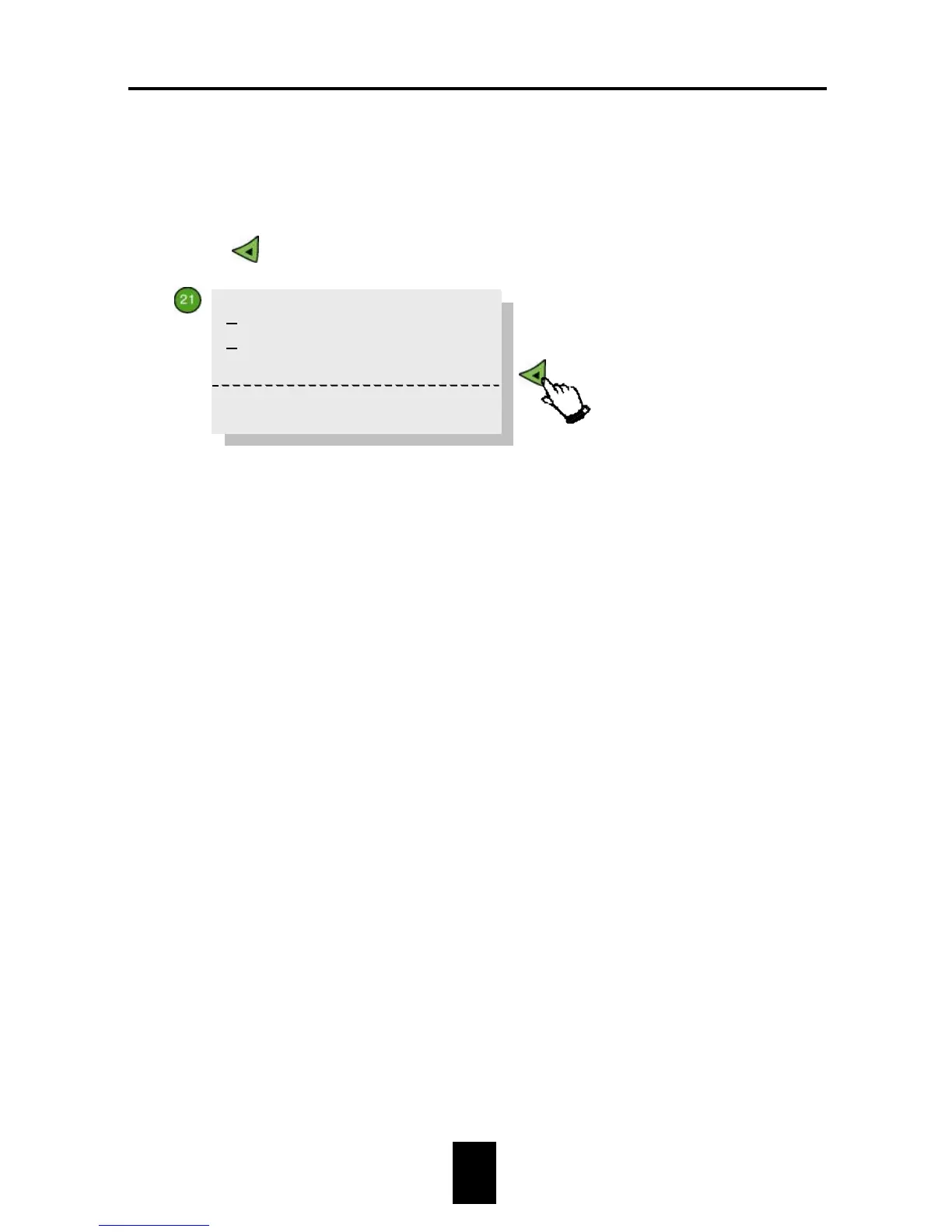
. The following text will appear on the display:
5. Enter the standard weight value at Enter weight (e.g. 3000g).
6. Place the standard weight on the scale.
7. Set Agreed? to YES. The computer will then automatically change
YES into NO again.
8. Calibr. date shows the date of the last calibration.
Scale 1 has been calibrated. Repeat this procedure for the remaining scales
which are connected.
Enter weight: 3000
Agreed? NO
Weight 0
>>
Calibr.date 12-03-99


 To Next Page