Fancom 747 6. Settings
21
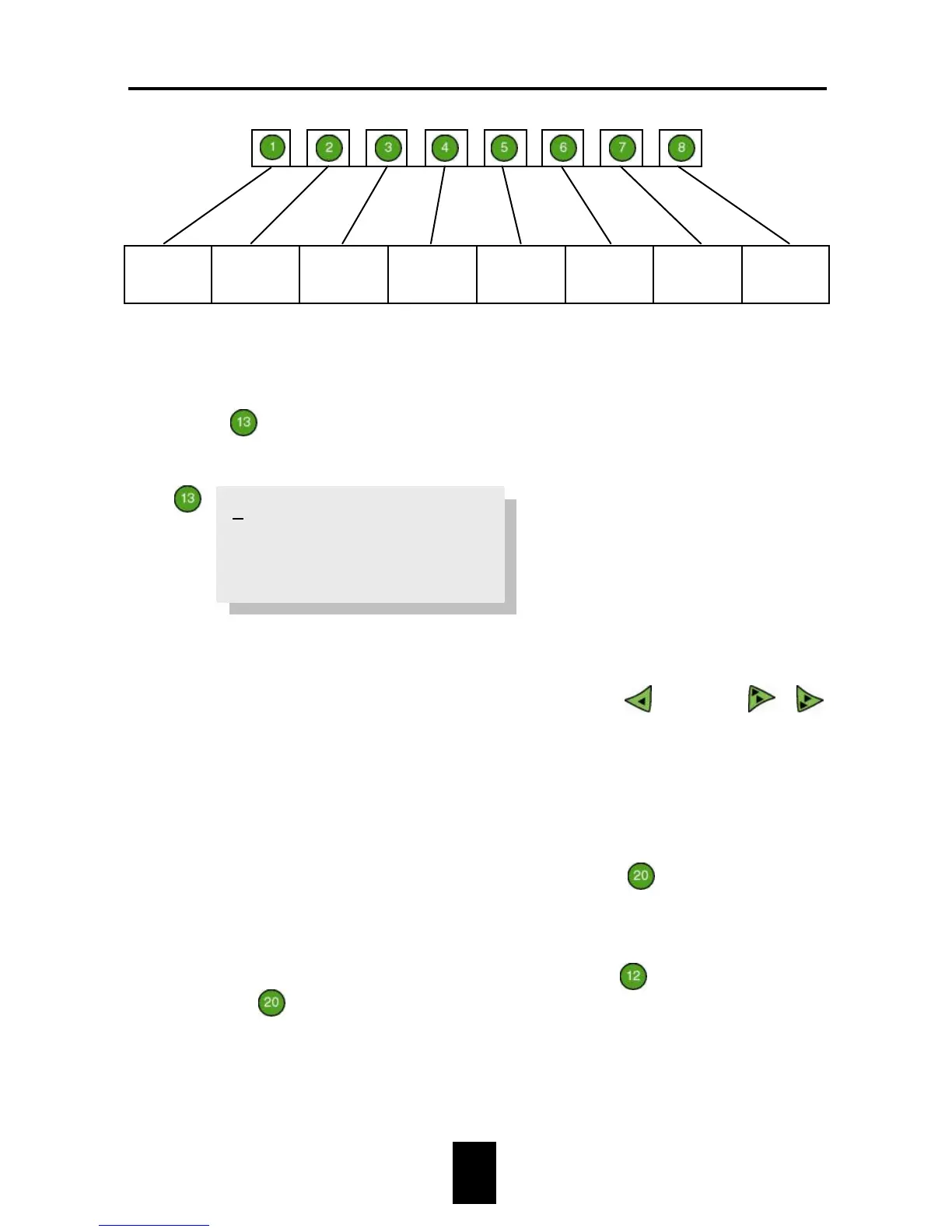
Hen
data
scale 1
Cock
data
scale 1
Hen
data
scale 2
Cock
data
scale 2
Hen
data
scale 3
Cock
data
scale 3
Hen
data
scale 4
Cock
data
scale 4
The name and values of the growth standard can be changed:
1. Press
Growth standard. The following text will appear on the
display:
The first line shows the name of the growth standard (maximum 10
characters). This name can be changed on the last line (see example 3 in
section 4.3). The last line can be reached by pressing
20×. Use
/
to examine the next/previous growth standard.
2. Enter the day number and the weight expected on that day for each
bending point (max. 20 bending points).
+
The desired growth standard can be selected at
Scale description
à 1. Scale description à Growth std.
If growth standards are not used, an Initial weight can be set per
scale. This initial weight is entered at key


 To Next Page