g
3. WebLinkBox
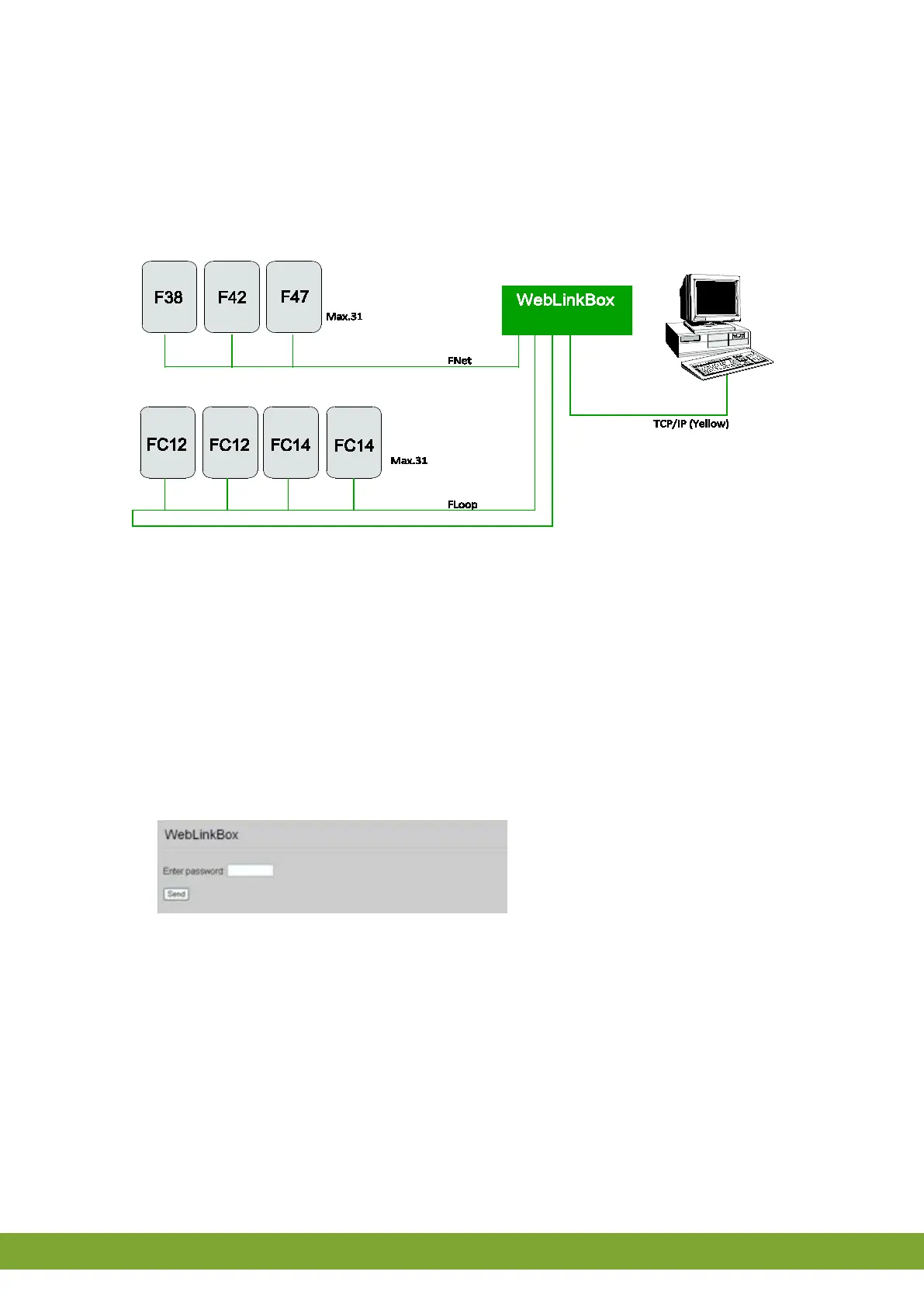
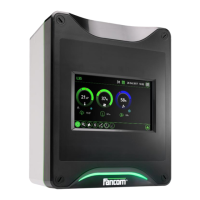
The WebLinkBox is an interface between the controller and a PC. Controller data are
exchanged with the PC. The WebLinkBox can be accessed through the FarmManager
software as well as a web browser. This manual will help you to working with the device
correctly.
Figure 1: Connection scheme to connect the WebLinkBox directly to the PC.
4. Basic functions
4.1 Login
To login to the WebLinkBox via a web browser perform the following steps:
1. Start a web browser on the PC.
2. Enter the IP-address of the WebLinkBox in the address bar and click Enter:



 To Next Page